
Close the deal,keep the deduction
Agents spend their own money all day — staging, signs, photography, client lunches. Scan each receipt between showings and every listing's true cost stays on record.

Sound familiar?
Commission in, receipts everywhere
Out-of-pocket by default
Lockboxes, open-house cookies, drone shots — agents front costs constantly. Untracked, they vanish into personal spending and never come back as deductions.
Costs per listing are a mystery
When staging for one listing and signage for another hit the same card, you can't tell which deal was actually worth the spend — or what to budget for the next one.
1099 life, shoebox records
As an independent contractor, your deductions are your responsibility. A year of showings generates hundreds of small receipts — and April rewards the agents who kept them.
The agent's write-off list
What agents commonly deduct
Commission income arrives with nothing withheld and everything fronted. Most of what you spend to get a listing sold counts — the deduction listicles agree on the categories; what they can't do is produce the receipts.
Listing marketing
Photography, drone shots, virtual tours, staging, signage — costs you front per listing, often before the seller has signed anything.
Advertising & lead gen
Portal fees, paid social, postcards to the farm neighborhood, your website. Typically an agent's largest ongoing spend after the car.
MLS, board & license fees
MLS dues, association fees, license renewals, lockbox access. Annual lumps that are easy to forget and painful to lose.
Client meetings & gifts
Coffees, closing-day flowers, small thank-yous. Client-gift deductions have specific limits — record them all and let your preparer apply the rules.
Vehicle costs
The car is the office. Fuel, parking, and washes scan like any receipt; per-mile deductions need a mileage log, which Receni doesn't replace.
Home office & tech
CRM subscriptions, e-signature tools, the desk setup where offers get written at 10pm.
Education & designations
CE credits, designation courses, conference tickets — staying licensed and competitive is a business cost.
Errors & omissions insurance
The premium behind every transaction you touch. Scan the renewal once a year and it's never a question.
Every situation is different — what's deductible depends on how you work. Receni keeps the records; your tax professional makes the call.
Steal this setup
A workspace per listing, a number per closing
Two listings can pay the same commission and cost wildly different amounts to close. Agents who track per listing price their services — and choose their clients — with better information.
Staging rental, twilight photos, three weekends of open-house flowers. When it closes, the workspace shows the real acquisition cost of that commission check.
The quick sale: photos, lockbox, done. Comparing this workspace against Birchwood is how you learn which listings are actually worth fighting for.
The postcards, portal fees, and sponsorships that build the pipeline rather than any single sale. Your true cost of staying visible.
At tax time, export everything together — the per-listing split is for your pricing brain, not just your preparer.
How Receni helps
Built-in answers for real estate
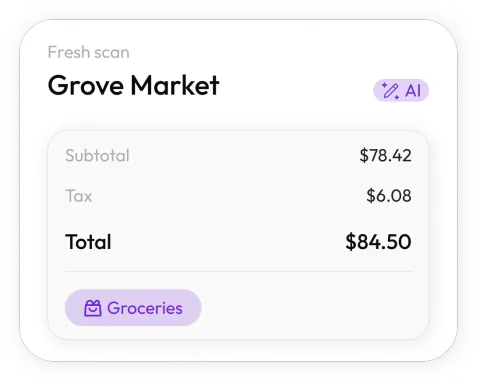
Scan between showings
Snap the receipt in the car before the next appointment. Receni's AI reads merchant, date, total, and category in seconds.
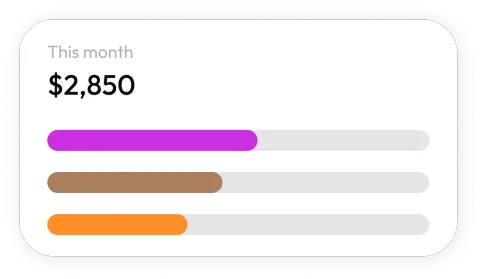
A workspace per listing
Staging for 12 Maple stays with 12 Maple. See exactly what each listing cost to sell — and keep personal spending in its own space.
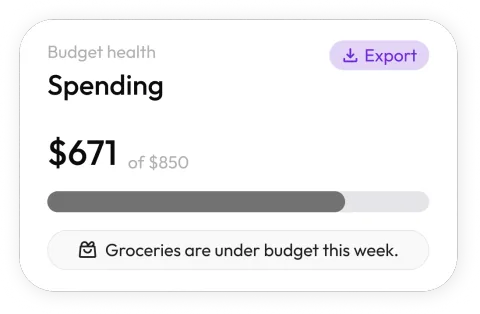
Know your cost per closing
Dashboards show marketing, staging, and client-meeting spend by month. Price your services and budgets on real numbers.

Budgets for the slow months
Commission income swings; expenses don't have to. Set monthly limits for marketing and client entertainment and stay ahead of thin quarters.
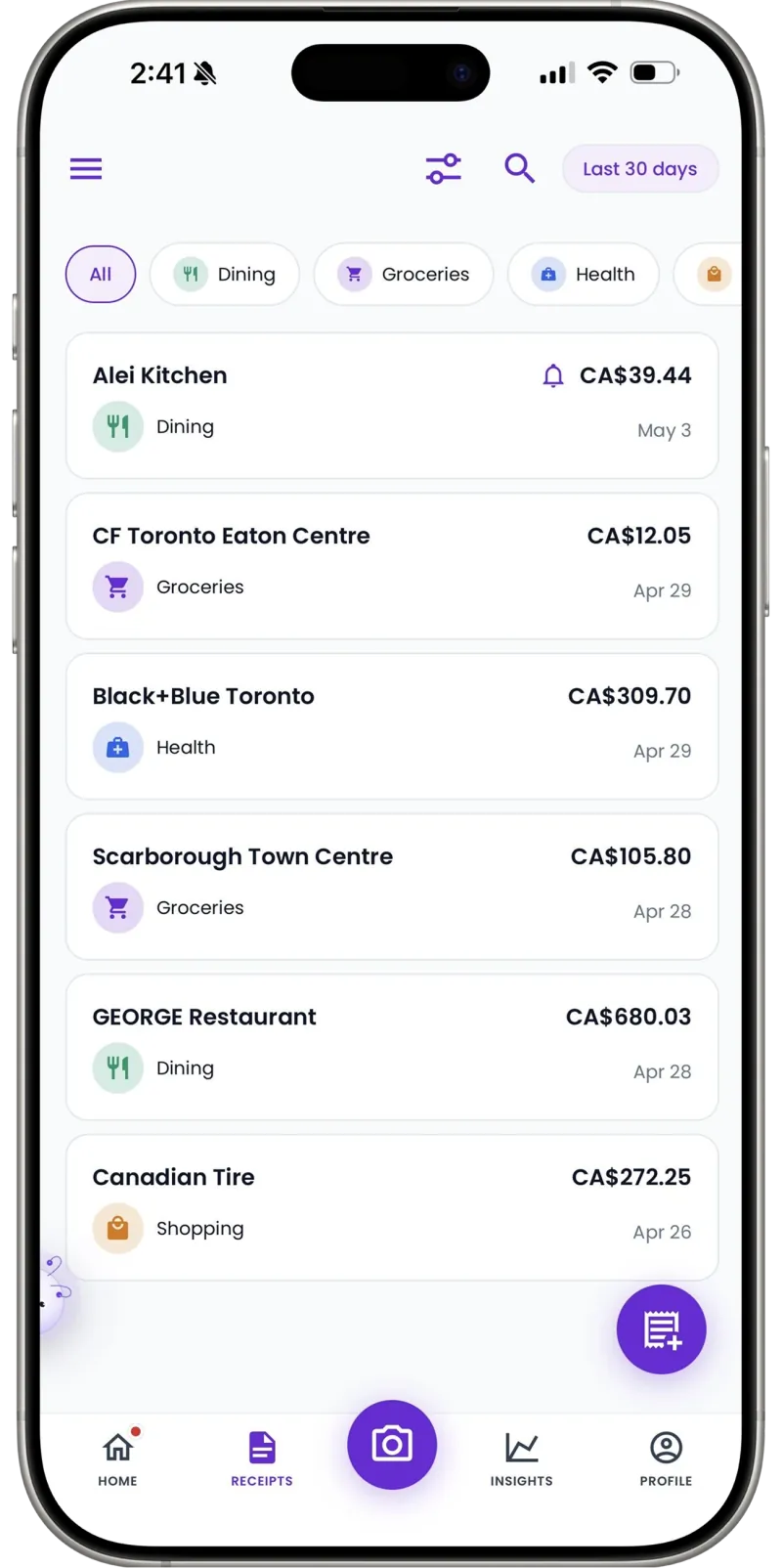
Commission-income paperwork, itemized
Export a clean CSV of the year's categorized expenses for your tax preparer. Every staging fee and open-house receipt, itemized.
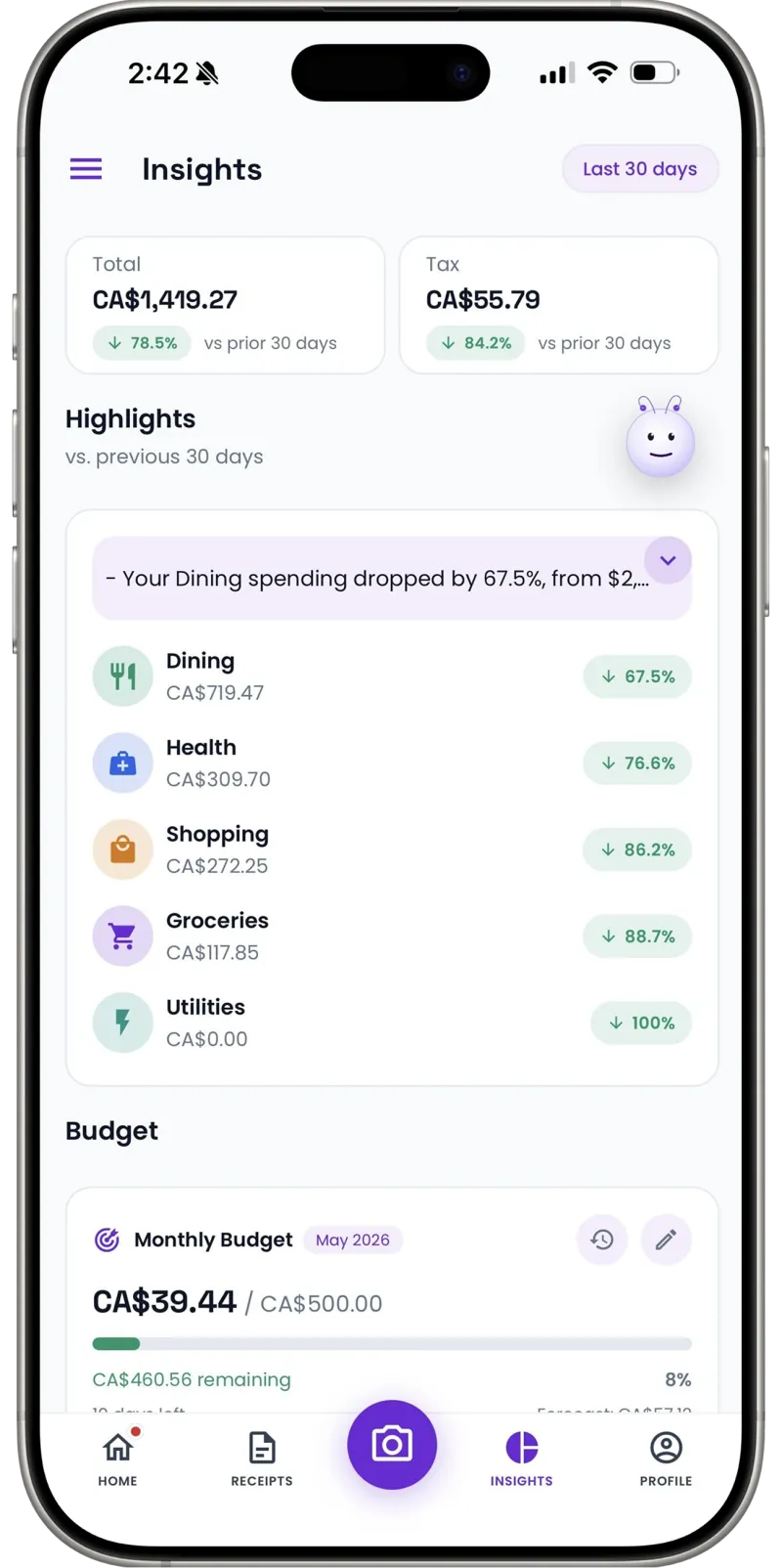
Tips and cash costs included
Valet at a client dinner, cash for open-house flowers — add them manually in seconds so records stay complete.
I fronted staging and photography for years without really counting it. One workspace per listing showed me my true cost per closing — and my tax preparer stopped chasing me for receipts.
30
Free AI scans a month — a real trial through one busy listing
Per listing
Workspaces show what each deal cost to close
1 tap
CSV export at tax time
FAQ
Real estate questions, answered
Yes — create a workspace per listing and scan staging, signage, photography, and open-house receipts straight into it. When the listing closes, its full cost history is one export away.
More industries
Receni works your way, whatever the work
Ready when you are
Every listing tracked. Every deduction kept.
Download Receni free and give your current listing its own workspace today.