
Every repair on record,every property accounted for
A leaky faucet at one unit, paint at another, a contractor invoice at a third. Scan each receipt as it happens and every property's maintenance history stays clean and separate.

Sound familiar?
Ten properties, one pile of receipts
Costs blur across properties
When supplies for three buildings land on one hardware-store receipt pile, nobody can say what a specific property actually cost to maintain this quarter.
Owners want itemized answers
Owners ask what that maintenance line was made of. Reconstructing it from memory and a card statement weeks later is guesswork — and it shows.
Small spends slip through
Lightbulbs, filters, lock changes, a cash tip to the hauler — small costs are constant in this business, and untracked they quietly eat the management fee.
Steal this setup
One workspace per door (or per building)
The iron rule of property management money: every dollar ties to a specific property, because every owner wants an accounting of their property alone. Workspaces enforce the rule at the moment of purchase.
The faucet cartridge, the contractor's invoice, the hallway lightbulbs — everything this building consumed, ready to reconcile against its owner's statement.
Larger building, heavier flow: turnover paint, appliance parts, landscaping. The dashboard shows maintenance creep by month before the owner asks about it.
Software, mileage-adjacent fuel receipts, the ladder that serves every property. Costs no single owner should be billed for.
Self-managing your own rentals? Same pattern — and at tax time each property's expenses export separately for its own schedule.
How it works
From pocketful of paper to organized records
Capture at the property
The hardware-store run for unit 3's faucet gets scanned in the parking lot and filed to that property's workspace — before the next call comes in.
Contractor invoices too
Scan the paper invoice or the emailed PDF's screenshot. Merchant, date, and amount are read for you; you pick the property and save.
Statement time is export time
Month end: export each property's CSV — dated, categorized, receipt images behind every line. The documentation side of the owner statement writes itself.
How Receni helps
Built-in answers for property managers
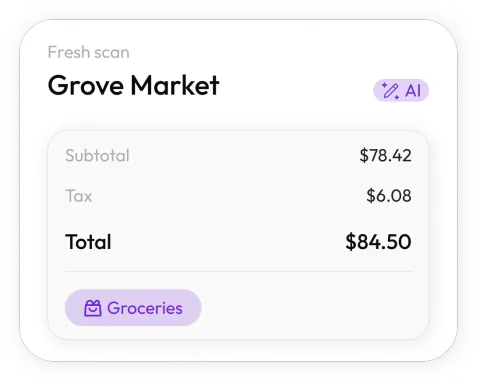
Scan at the door
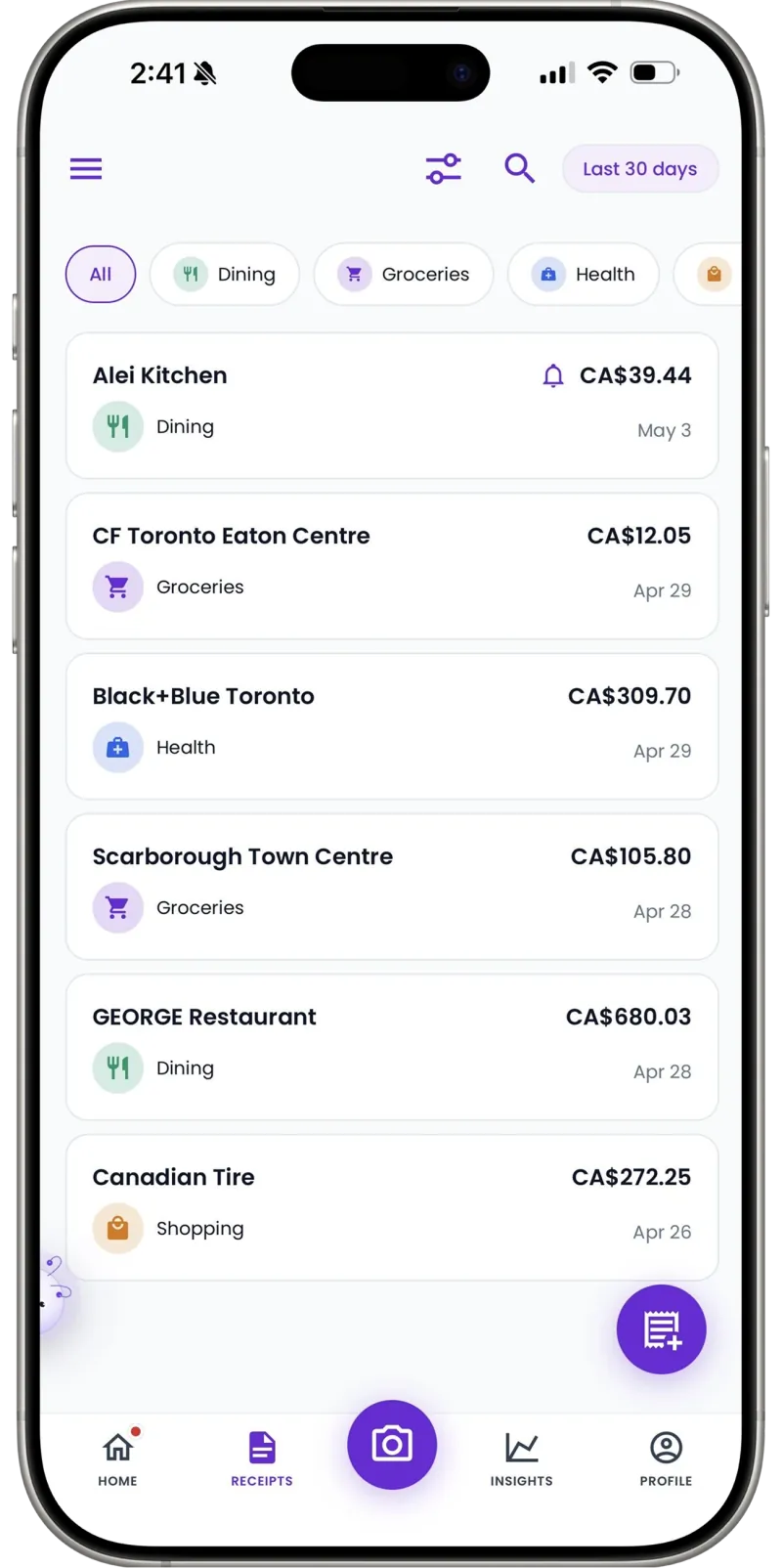
Snap the hardware-store receipt before you leave the unit. Receni's AI reads merchant, date, total, and category in seconds.
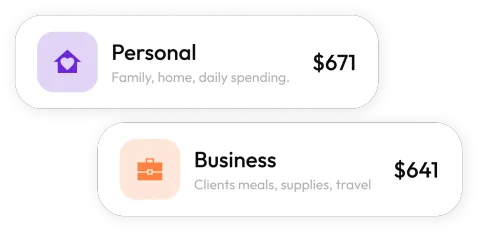
A workspace per property
Birchwood's repairs stay with Birchwood. Each building or unit gets its own space, so per-property cost history is always one tap away.
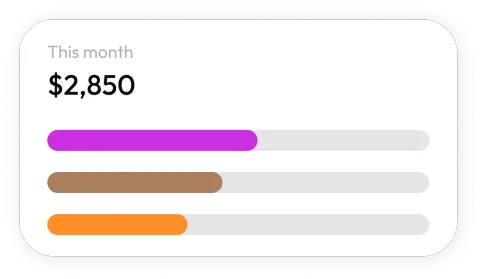
See where maintenance money goes
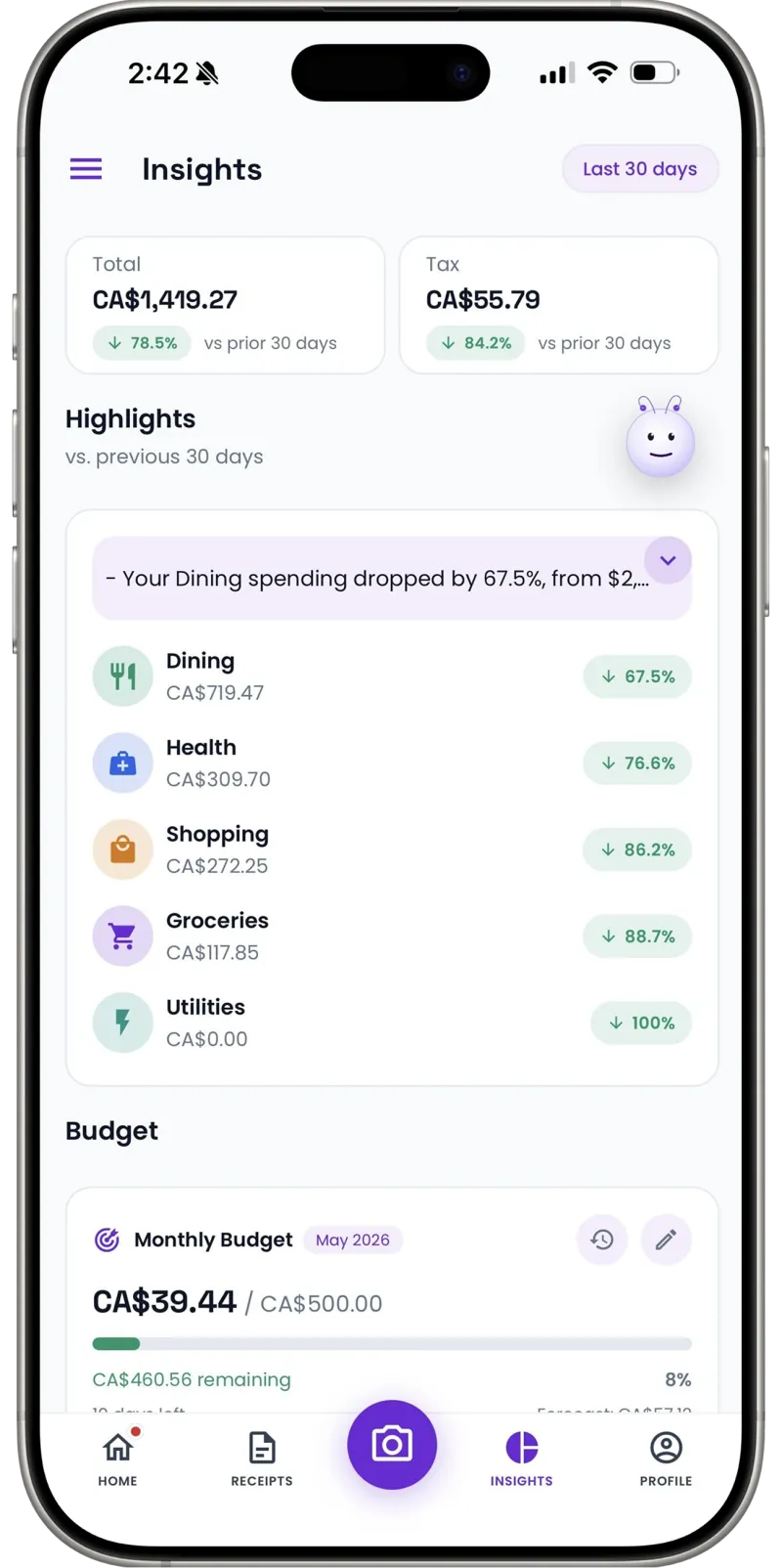
Dashboards break spending down by category and month — spot the building that's burning budget before the quarter ends.
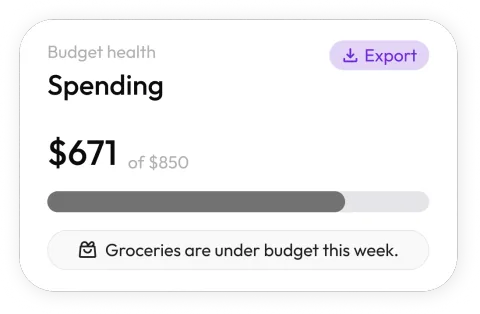
Budgets per building
Set a monthly maintenance budget for each property's workspace and see at a glance which ones are running hot.
Owner-ready exports
Export a property's categorized expenses as a clean CSV for owner statements or your accountant — itemized, dated, done.
Cash jobs counted too
A cash payment to a handyman or a tip to the junk hauler — add it manually in seconds so the property's record stays complete.
30
Free AI scans a month — trial it across a real portfolio
Per property
Workspaces keep each building's costs separate
1 tap
CSV export for owner statements and tax time
I manage eleven units and used to dread the owners' quarterly questions. Now every property has its own workspace — when someone asks about a maintenance charge, I export the list and send it.
FAQ
Property managers questions, answered
Yes — create a workspace for each property (or each unit, if you prefer finer detail) and scan repair, supply, and contractor receipts straight into it. Every space keeps its own history and its own export.
More industries
Receni works your way, whatever the work
Ready when you are
Every property's costs, cleanly separated.
Download Receni free and give each building its own workspace today.