
Shoot the moment,keep the record
Gear rentals, props, parking at the venue, a new card the morning of the wedding — every shoot spends money before it earns any. Scan each receipt and know what every job really cost.

Sound familiar?
The business behind the lens
Every shoot spends before it earns
Rentals, props, an assistant's lunch, venue parking — costs land days before the invoice goes out. Untracked, you never learn which kinds of jobs are actually profitable.
Gear costs, scattered everywhere
A card here, a filter there, a repair when a lens hits the floor — small gear spending is constant, and it hides across personal cards and marketplace apps.
Creative work, 1099 obligations
Second-shooter gigs, weddings, mini-sessions — most photography income arrives without withholding. The deductions that soften April only count if you kept the receipts.
The shooting year
A photographer's money calendar
Photography income is seasonal; the spending starts earlier than the shooting. Each beat of the year has its own receipts to catch.
- Jan–Mar
Slow season, spend season
Gear maintenance, sensor cleanings, workshop tickets, and the annual software renewals all land while bookings are quiet. These receipts offset the busy months — if they're captured.
- Apr–Jun
Engagement sessions & bookings
Deposits arrive, and so do the costs: location permits, props, a rental lens to test before committing. Open a workspace per booked wedding now, and every receipt lands in the right job from day one.
- Jul–Oct
Peak wedding & event season
The blur. Rentals, second shooters, parking, hotel nights — scan at the venue while the gear goes back in the bag, because Tuesday-you won't remember what Saturday-you spent.
- Nov–Dec
Holiday minis & album orders
High-volume mini sessions and client album printing. Print-lab receipts belong with the client's workspace so each order's margin is visible.
How Receni helps
Built-in answers for photographers
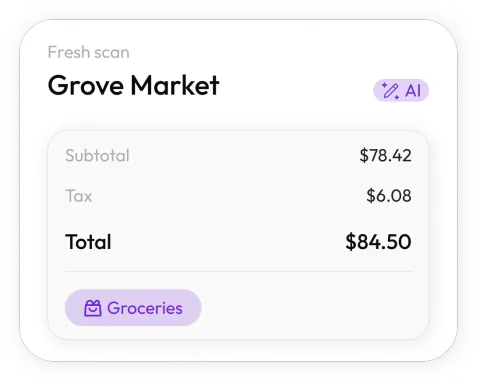
Scan before you pack up
Snap the rental receipt while the gear goes back in the bag. Receni's AI reads merchant, date, total, and category in seconds.
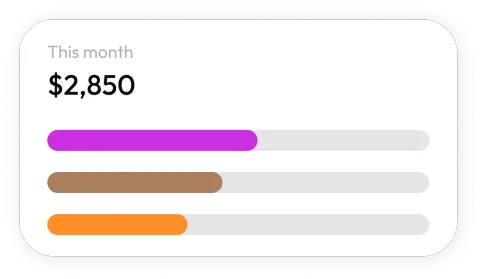
A workspace per shoot
The Nguyen wedding's rentals stay with the Nguyen wedding. See each job's true cost — and keep personal spending out of the business entirely.
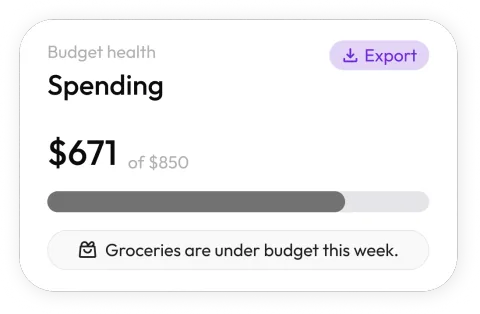
Know your cost per job type
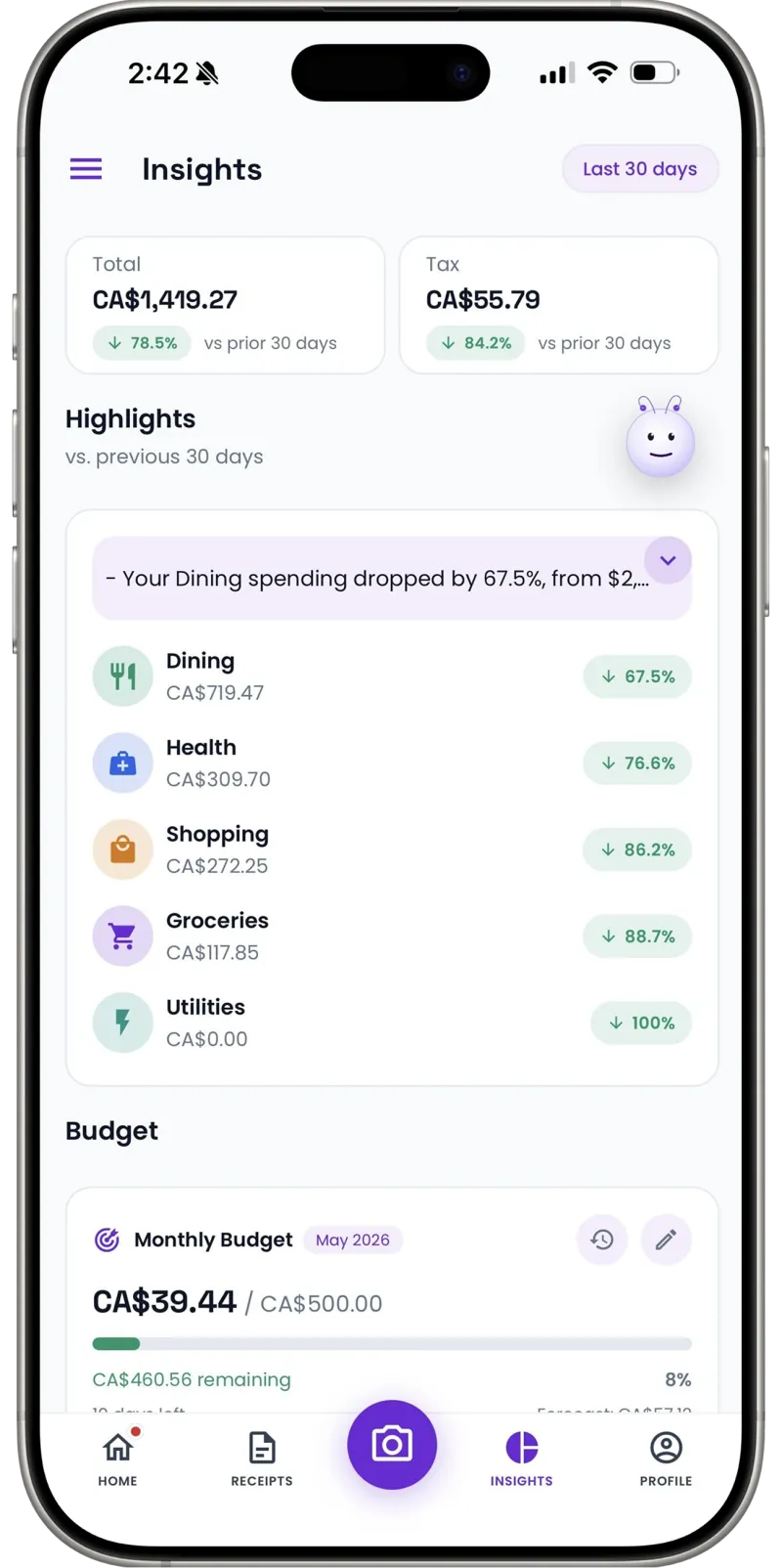
Dashboards show gear, travel, and software spend by month. Compare what weddings cost you against portraits — and price accordingly.

Budgets for gear season
Set a monthly limit for equipment and rentals. Wishlist purchases wait their turn instead of ambushing your margins.
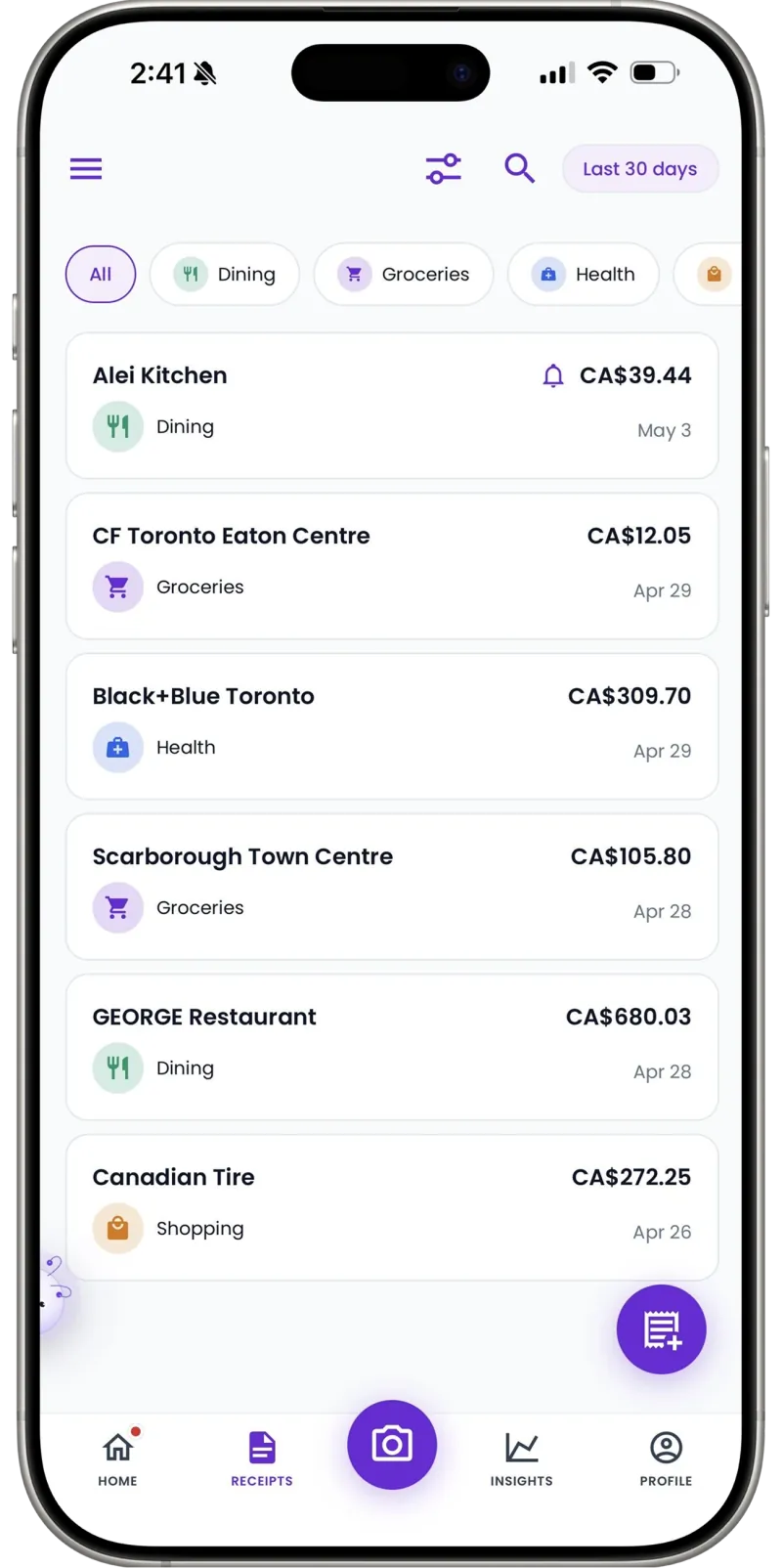
Schedule-C ready
Export the year's categorized expenses as a clean CSV for your tax preparer — every rental, card, and subscription itemized.
Cash costs in the frame
Cash for a permit, parking, or a location fee — add it manually in seconds so the shoot's record stays complete.
The gear-bag write-off list
Photography expenses that commonly count
Photography is one of the most equipment-heavy trades a solo operator can run. Almost everything below shows up on photographers' Schedule Cs — if the receipt survived the season.
Camera bodies & lenses
The big purchases. Whether a body is expensed in one year or depreciated over several is your tax pro's call — the dated receipt is what makes either possible.
Rentals
The 70–200mm for a wedding weekend, the lighting kit for a corporate shoot. Rental receipts tie directly to jobs, which is exactly what per-shoot workspaces are for.
Editing software & storage
Lightroom, cloud backup, the NAS that holds a decade of RAW files. Subscriptions are easy to forget because they never hand you paper — screenshot and scan.
Studio & venue costs
Studio rent by the month or by the hour, location fees, permits for that sunrise session at the park.
Props & consumables
Backdrops, memory cards, batteries, gaffer tape. Small, constant, and scattered across hardware stores and marketplace apps — the classic vanishing expense.
Second shooters & assistants
Crew you pay for a wedding or event day is a business cost. Record the invoice or the cash payment; the 1099-NEC paperwork stays with your preparer.
Travel to shoots
Flights, hotels, parking at the venue. Fuel receipts scan like any expense — per-mile deductions need a separate mileage log, which Receni doesn't replace.
Education & portfolio
Workshops, conferences, your portfolio site's hosting, album samples you buy to show clients.
Every situation is different — what's deductible depends on how you work. Receni keeps the records; your tax professional makes the call.
30
Free AI scans a month — enough to trial a full wedding season week
Per shoot
Workspaces show what each job cost to deliver
1 tap
CSV export at tax time
I knew my day rate but not my real margin. A workspace per shoot showed me weddings were carrying the portrait work — I repriced both, and tax season went from a weekend of panic to one export.
FAQ
Photographers questions, answered
Yes — create a workspace per shoot (or per client for ongoing work) and scan rentals, props, travel, and assistant costs straight into it. Each job's full cost history is one export away.
More industries
Receni works your way, whatever the work
Ready when you are
Every shoot costed. Every deduction kept.
Download Receni free and give your next shoot its own workspace.