
You're the business.Keep books like one
Whatever your trade, working for yourself means the receipts are your responsibility — and your deductions. Scan each one in seconds and business stays cleanly apart from personal.

Sound familiar?
One person, two sets of books
Business and personal share a wallet
One card, one pocket, two purposes. When groceries and client supplies land in the same statement, untangling them at tax time is hours of guesswork — or deductions abandoned.
Nobody's chasing your receipts
Employees have expense systems that nag them. You have a jacket pocket and good intentions — and every faded receipt is a deduction you paid full price for.
Quarterly taxes, yearly panic
Estimated payments need real numbers four times a year. Without organized records, each quarter is a guess and April is a reckoning.
Steal this setup
One person, three workspaces
The whole trick to self-employed bookkeeping is deciding where a receipt belongs at the moment you scan it — not in April. A setup like this makes that decision automatic.
The main venture. Supplies, printing, software, travel to students — everything that earns the primary income lands here, categorized as it happens.
The weekend business keeps its own books. Materials, packaging, and listing fees stay separate, so you know whether the side hustle actually profits.
Groceries, family, life. It never touches the business records — which means the business export never needs a cleanup pass.
Rename these to match your ventures. The pattern is the point: one workspace per income stream, plus one for life.
How Receni helps
Built-in answers for self-employed
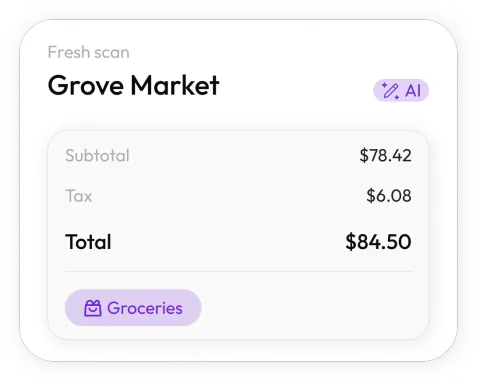
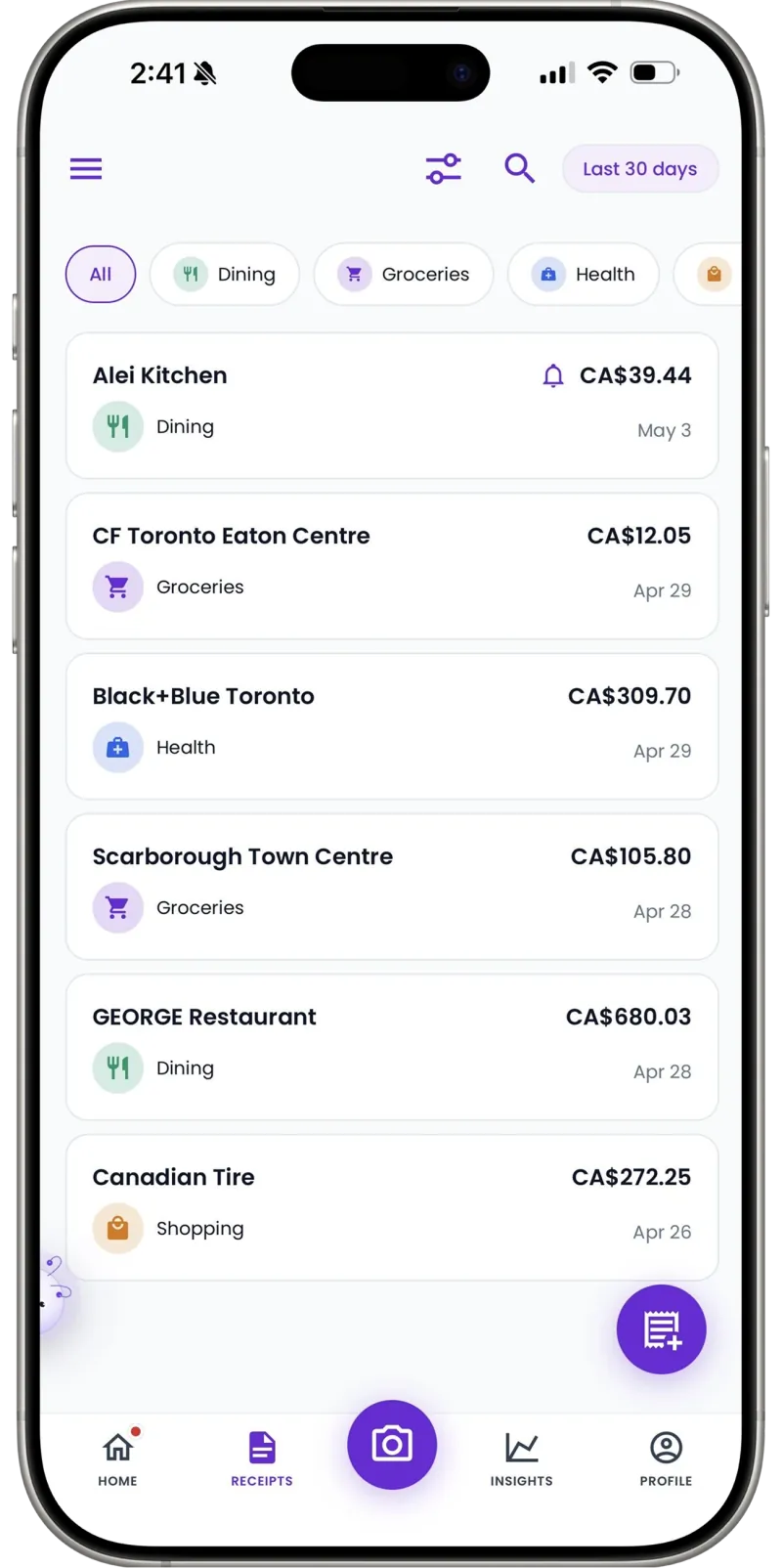
Scan it on the spot
Snap the receipt at the register. Receni's AI reads merchant, date, total, and category in seconds — before the thermal paper fades.
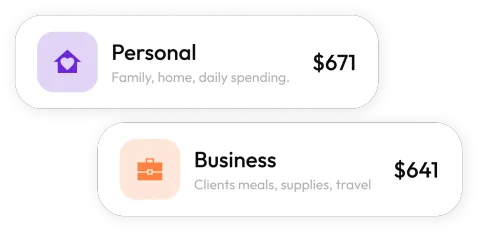
Business and personal, separated
One workspace for the business, one for life — or one per venture if you wear several hats. Spending never blurs again.
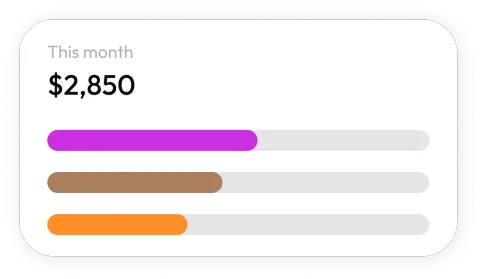
See your real running costs
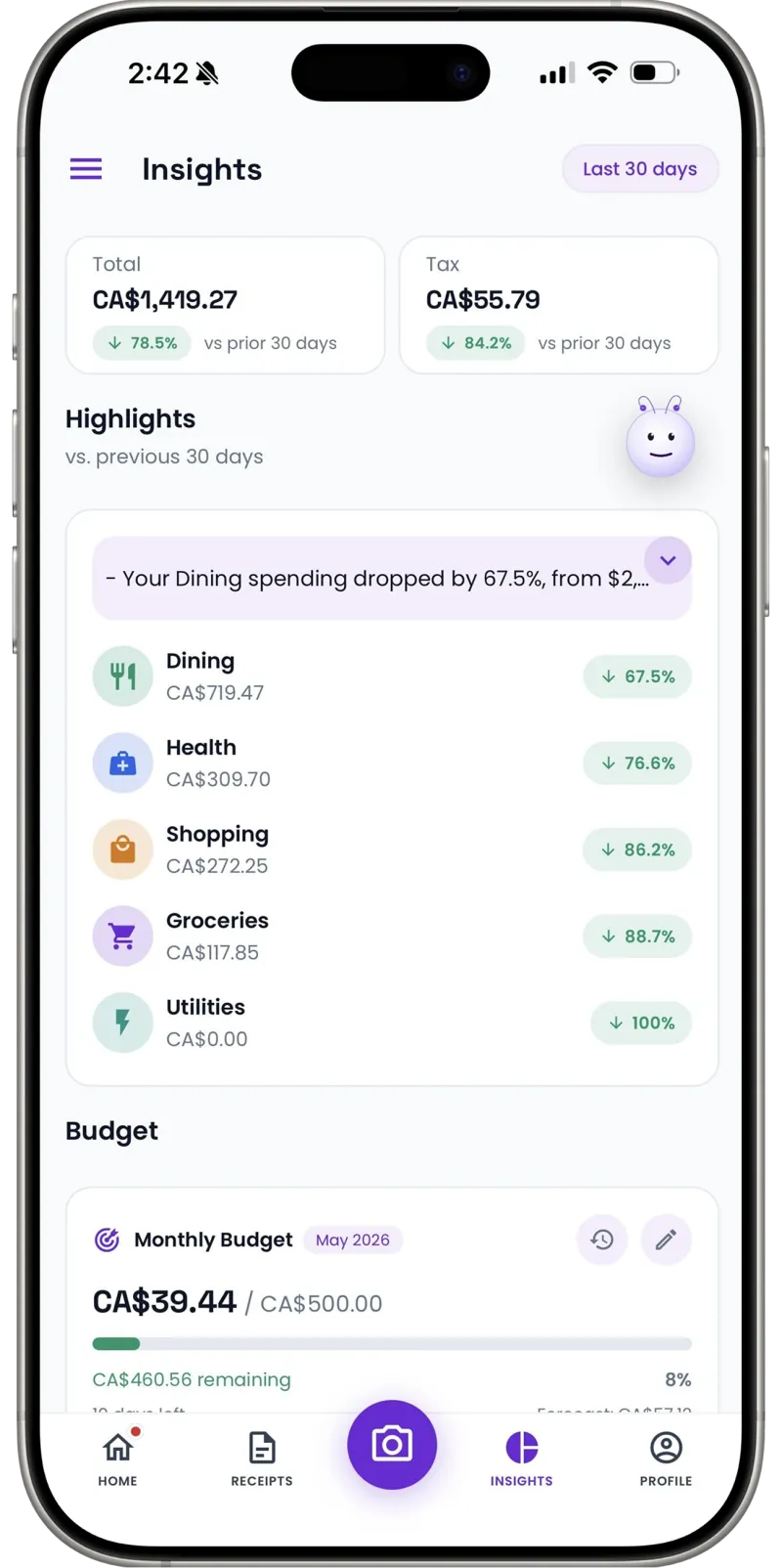
Dashboards show business spending by category and month — what it actually costs to be in business, at a glance.
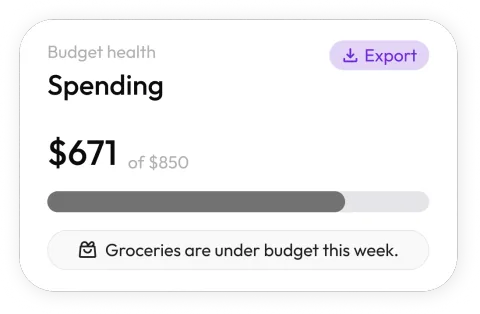
Budgets for uneven income
Self-employed income swings; spending discipline is the buffer. Set monthly category limits and see drift before it becomes debt.
Sole-prop filing, simplified
Export the year's categorized business expenses as a clean CSV. Your tax preparer gets itemized data, not a shoebox.
Cash counts too
Market stalls, parking meters, a cash-only supplier — add them manually in seconds so your records stay complete.
A business bank account isn't bookkeeping
The standard advice — open a separate business account — is good, and not enough. A bank statement tells you that you spent $84.12 at a big-box store in March. It doesn't tell you whether that was printer ink for client proposals or a birthday present, and in April you won't remember either.
The receipt is the record with the answer on it. Scan it when it's in your hand, file it to the right workspace, and the statement line finally has a story attached — merchant, items, category, which venture it belonged to. That's the difference between records that survive questions and records that just survive.
30
Free AI scans a month — a real trial for most solo businesses
Unlimited
Manual entries for cash spending on every plan
1 tap
CSV export at tax time
For years my 'system' was a drawer and a deep breath in April. Now business receipts go in the business workspace the moment I get them, and my quarterly estimates come from real numbers instead of vibes.
FAQ
Self-employed questions, answered
Workspaces. Keep one for business and one for personal — every scan lands where you file it, and each workspace has its own history, dashboard, and export. Running two ventures? Give each its own space.
More industries
Receni works your way, whatever the work
Ready when you are
You built the business. Receni keeps its books.
Download Receni free and separate business from personal today.