
Flawless events,spotless books
Florist deposits, chair rentals, a midnight craft-store run — every event is a hundred purchases on a deadline. Scan each receipt and the budget stays as under control as the seating chart.

Sound familiar?
A hundred purchases per event, one deadline
Client budgets demand receipts
Clients hand you a budget and expect an accounting. When vendor invoices and emergency supply runs live in six places, the reconciliation takes longer than the event.
Events overlap, costs tangle
Deposits for June's wedding and rentals for May's gala hit the same card in the same week. Untangled late, nobody knows which event actually made money.
Crunch week eats the paper trail
The 48 hours before an event are a blur of purchases — tape, tips, taxis, twelve more votives. Exactly when spending peaks is exactly when nobody's writing anything down.
The budget template survives until crunch week
Every planner has a beautiful budget spreadsheet — estimated, negotiated, actual, a 10% contingency row. It works right up to the 48 hours before the event, when the real spending happens: tape, tips, taxis, twelve more votives at three different stores. Nobody updates a spreadsheet from a loading dock.
A phone camera works from a loading dock. Scan the receipt as it happens, into that event's workspace with the client's budget set against it. The number you check at midnight is current — and the 'actual' column fills itself in while the template is still waiting for data entry.
How Receni helps
Built-in answers for event planners
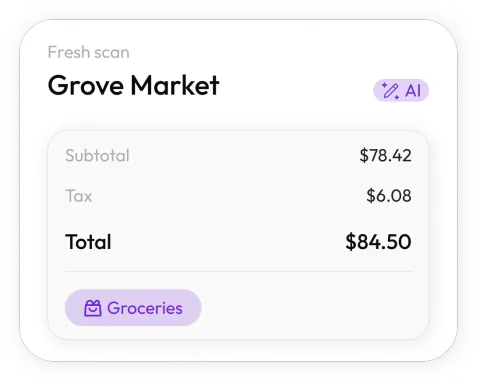
Scan mid-errand
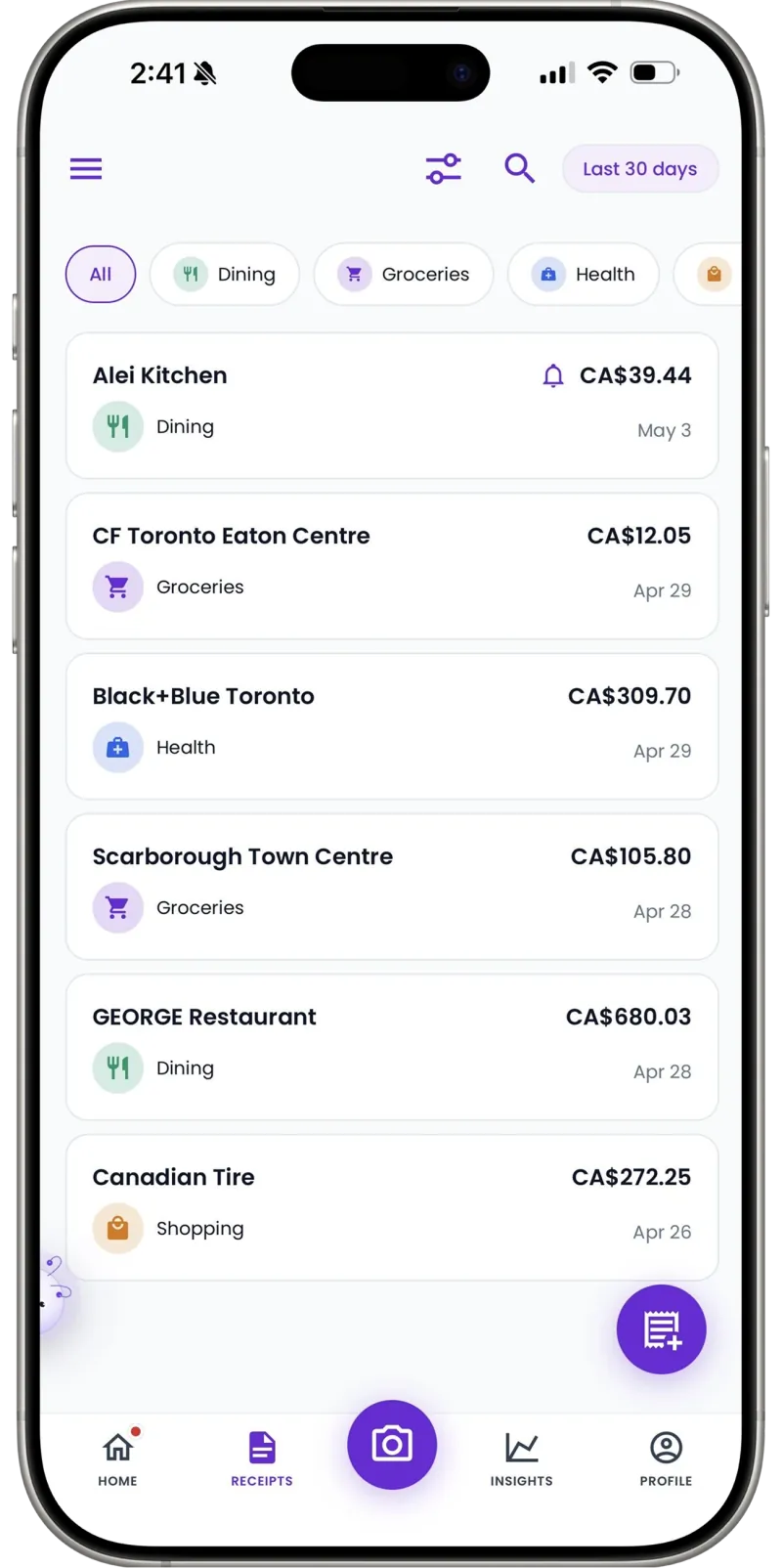
Snap the receipt in the parking lot between stops. Receni's AI reads merchant, date, total, and category in seconds.
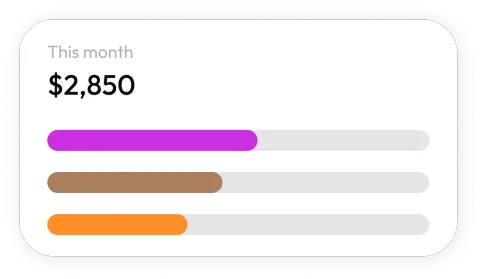
A workspace per event
The Rivera wedding's florals stay with the Rivera wedding. Overlapping events keep separate books — and separate answers for separate clients.
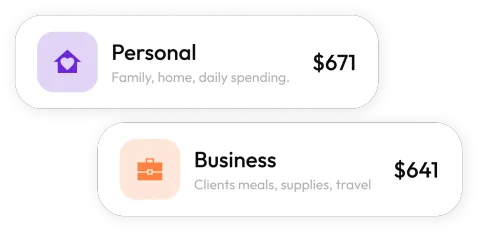
The client's budget, live
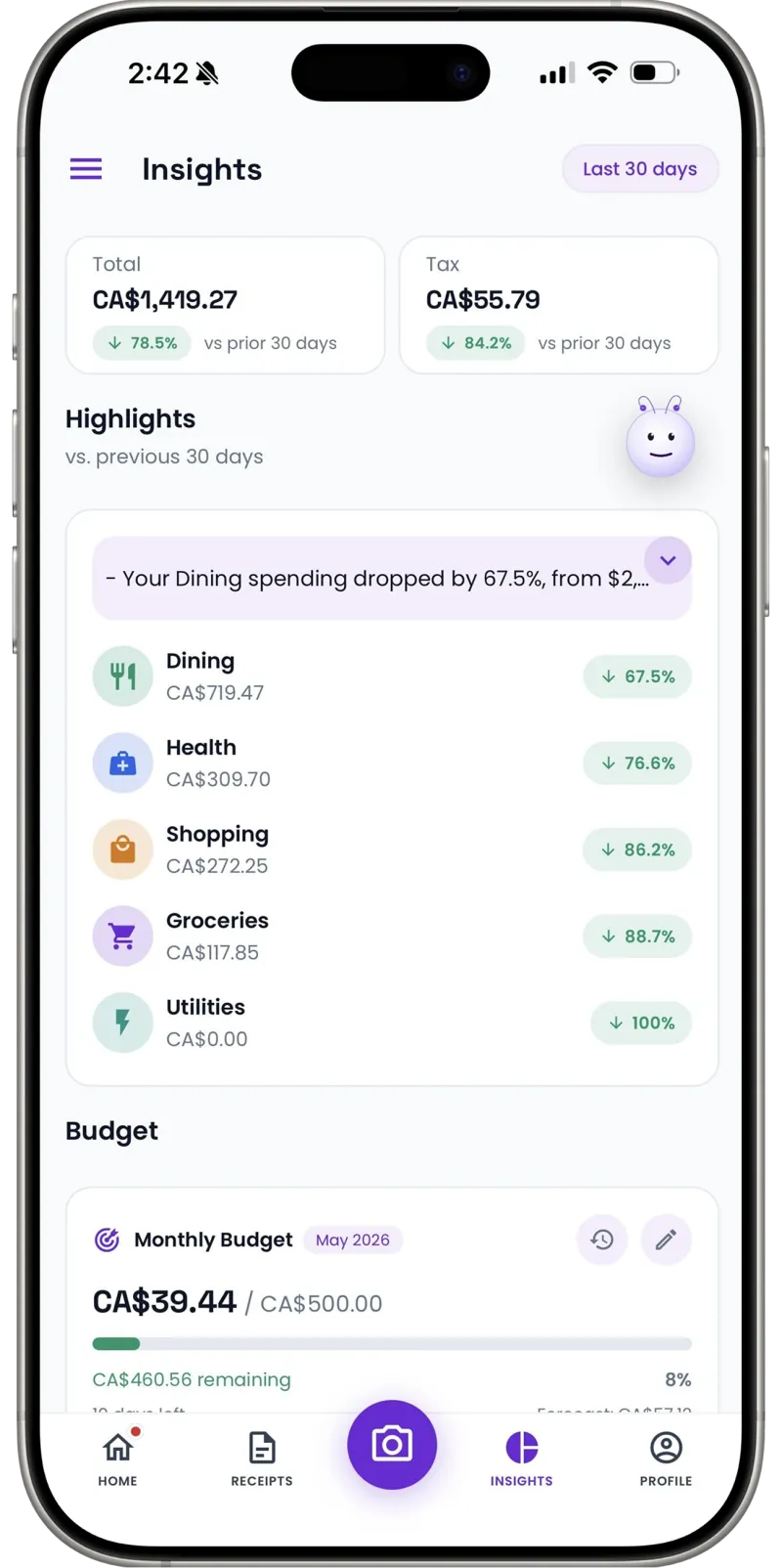
Set the event workspace's monthly budget to the client's number and watch spending against it as the date approaches — not after.
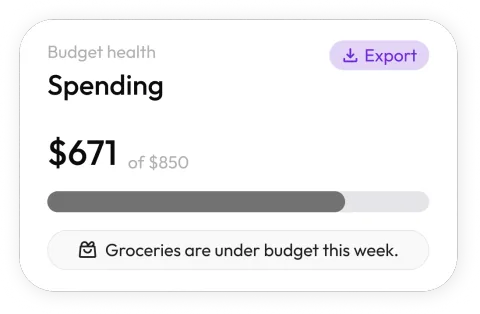
See where events spend
Dashboards break costs into décor, rentals, and supplies by month. Learn what a wedding really costs you versus a corporate gala.
Client-ready reconciliation
Export an event's categorized expenses as a clean CSV for the client's final accounting — itemized, dated, done.
Cash tips and deposits counted
Cash to the loading-dock crew, a deposit paid by transfer — add them manually in seconds so the event's record is complete.
Steal this setup
Three events, three sets of books
Overlapping events on one card statement is where event accounting goes to die. A workspace per event means the untangling never has to happen.
Florals, rentals, day-of supplies, cash tips to the crew. The client's budget is set on the workspace; the reconciliation is a one-tap export after the last dance.
AV deposits, catering invoices, signage. Corporate clients want line items with dates — that's exactly what the CSV gives their finance team.
Software, insurance, the emergency kit restock — costs of being in business that no single client should ever be billed for.
When an event wraps, its workspace becomes the permanent cost record — pricing your next similar event starts from data, not memory.
Reconciling an event used to take me two evenings of statements and guesswork. Now everything scans into that event's workspace as it happens, and the client's final accounting is an export, not an archaeology dig.
30
Free AI scans a month — enough to trial a full event cycle
Per event
Workspaces keep overlapping events' costs separate
1 tap
CSV export for client reconciliation
FAQ
Event planners questions, answered
Yes — create a workspace per event and scan vendor invoices, rentals, and supply runs straight into it. Overlapping events stay untangled, and each has its own budget and export.
More industries
Receni works your way, whatever the work
Ready when you are
Run the event. The books run themselves.
Download Receni free and give your next event its own workspace.