
Every dollar given,every dollar answered for
Food-drive groceries, youth-event supplies, a volunteer's hardware run — mission spending happens fast and everywhere. Scan each receipt and stewardship stays visible, program by program.

Sound familiar?
Mission first, paperwork wherever it lands
Many hands, scattered receipts
A dozen volunteers buy supplies for the same event with a dozen different wallets. The receipts end up in pockets, cars, and group chats — and the treasurer inherits the puzzle.
Donors and boards expect answers
Every dollar was given in trust. When the board asks what outreach actually cost this quarter, 'roughly' isn't the answer a mission deserves.
Volunteer treasurers, professional expectations
The books are often kept by whoever said yes at the annual meeting. They need records that arrive organized — not a shoebox handed over after the fundraiser.
How it works
From pocketful of paper to organized records
The volunteer scans at checkout
Whoever pushes the cart captures the receipt — ten seconds at the register, no training required. The record exists before the groceries reach the parking lot.
It lands in the program's workspace
Food drive costs go to Outreach, craft supplies to Youth. Every purchase carries its program from the moment it happens, not from the treasurer's best guess later.
The treasurer exports, not chases
Board night: each program's CSV is one tap — dated, categorized, receipt images behind every line. The interrogation after every event simply stops.
Steal this setup
Workspaces that answer stewardship questions
Money given in trust deserves per-purpose answers. Workspaces mirror the purposes — and if you run formal restricted funds, they give your fund accounting clean source records to work from.
Grocery runs, paper goods, delivery fuel. When a donor asks what the pantry actually costs a month, the dashboard has the number.
Event supplies, camp materials, the pizza that appears at every gathering. Its budget is set at the start of the season and visibly honored.
Repairs, materials, contractor invoices — kept strictly apart, because money given for the roof should be answerable as money spent on the roof.
Receni isn't fund-accounting software — no donor ledgers, no restricted-fund balances. It's the receipts layer that makes those reports trustworthy.
How Receni helps
Built-in answers for nonprofits & churches
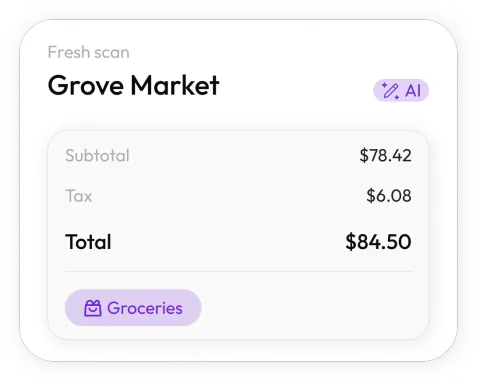
Scan it at the register
Whoever makes the run snaps the receipt on the spot. Receni's AI reads merchant, date, total, and category in seconds.
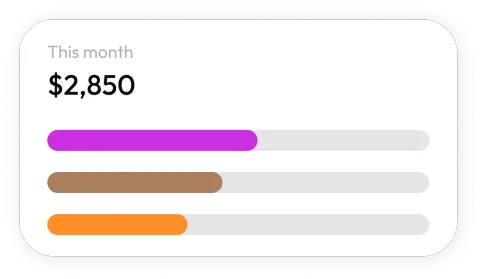
A workspace per program
Outreach, youth ministry, the building fund, the spring gala — each program or event keeps its own costs, cleanly separated.
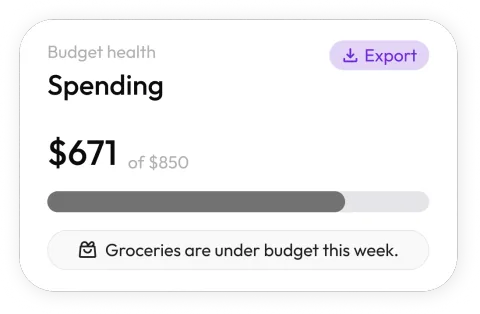
See spending by program
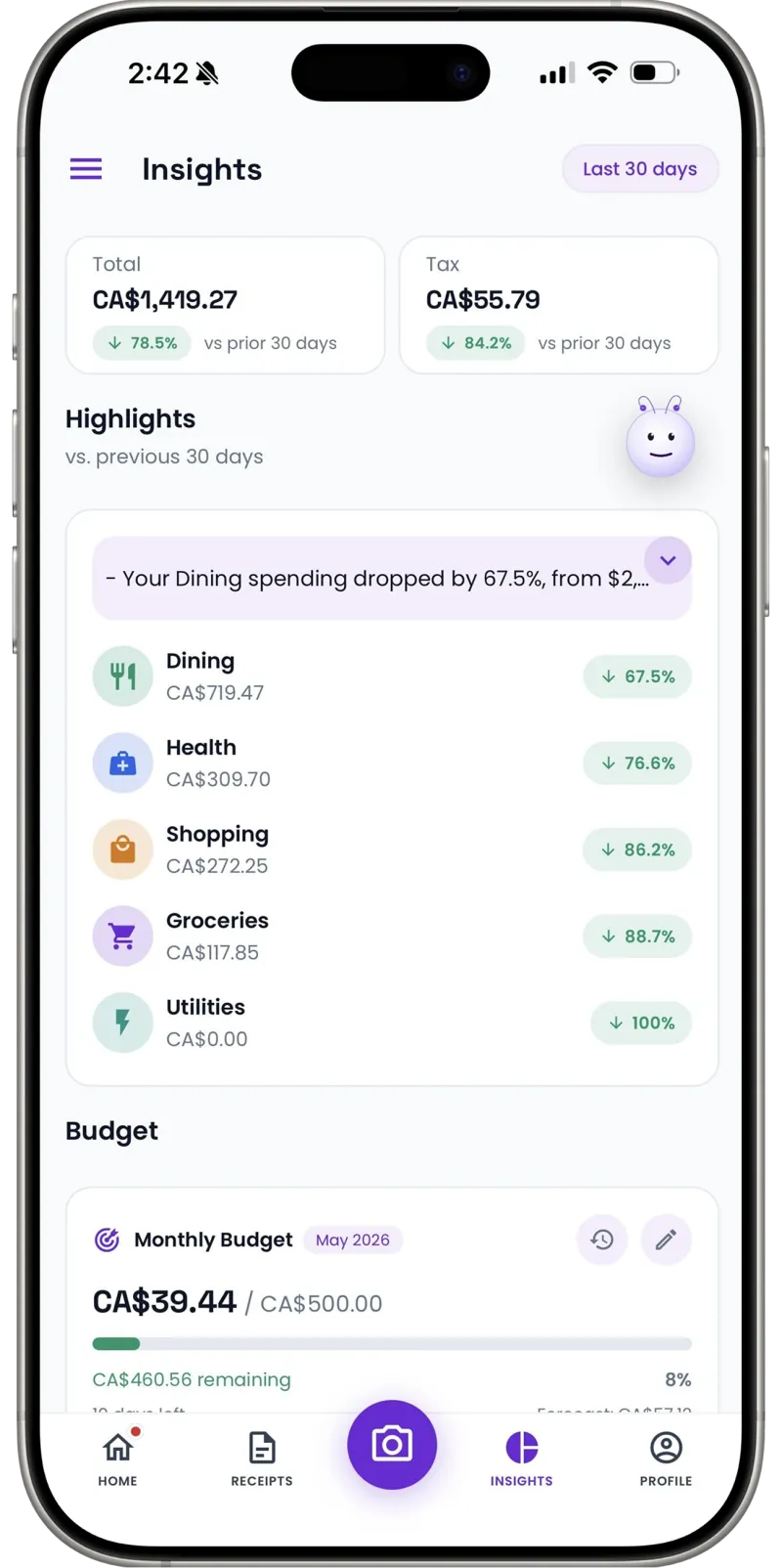
Dashboards show each workspace's spending by category and month — what the food drive cost, at a glance, whenever anyone asks.
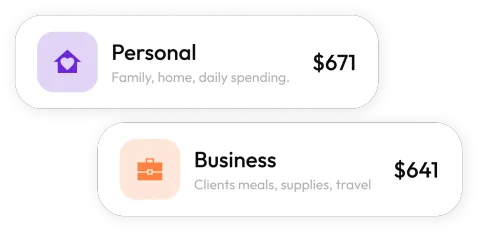
Program budgets, honored
Set each program's monthly budget and watch spending against it in real time — stewardship you can show, not just claim.
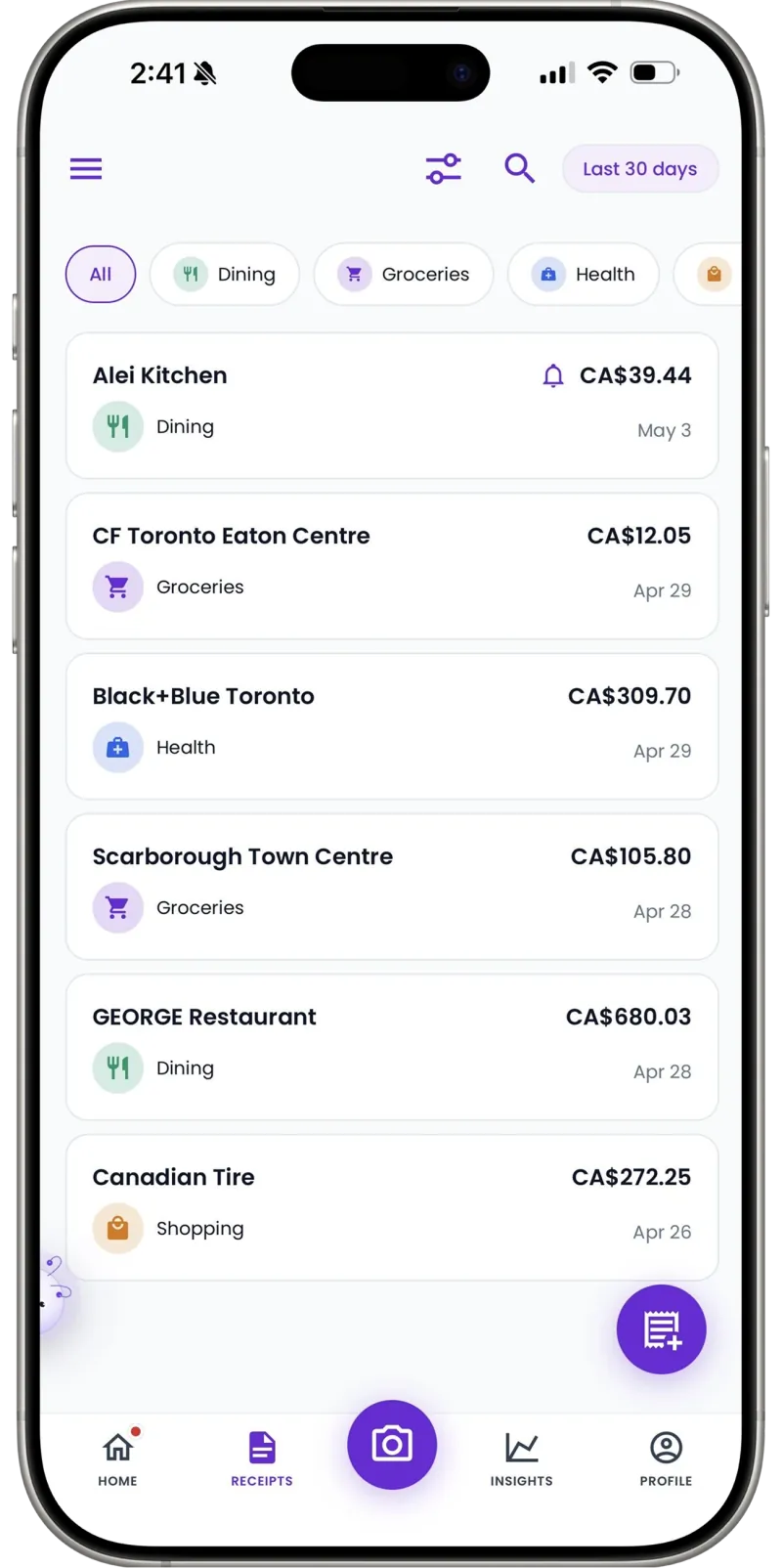
Board- and audit-ready exports
Export a program's categorized expenses as a clean CSV for the treasurer's report, the board pack, or the annual review.
Cash purchases counted
The farmers-market run paid in cash, the love offering spent on supplies — add manual entries in seconds so the record is complete.
30
Free AI scans a month — a real trial through one full event
Per program
Workspaces keep each ministry's costs separate
1 tap
CSV export for the treasurer's report
Our treasurer used to spend the week after every event chasing volunteers for receipts. Now the person holding the cart scans it at checkout, and the board report is an export instead of an interrogation.
FAQ
Nonprofits & churches questions, answered
Yes — create a workspace per program, ministry, or event and scan its receipts straight in. Each keeps its own budget, history, and export for the board.
More industries
Receni works your way, whatever the work
Ready when you are
Given in trust. Tracked with care.
Download Receni free and give each program its own workspace this week.