Best Expense Management Software for Small Businesses
CanDev Team
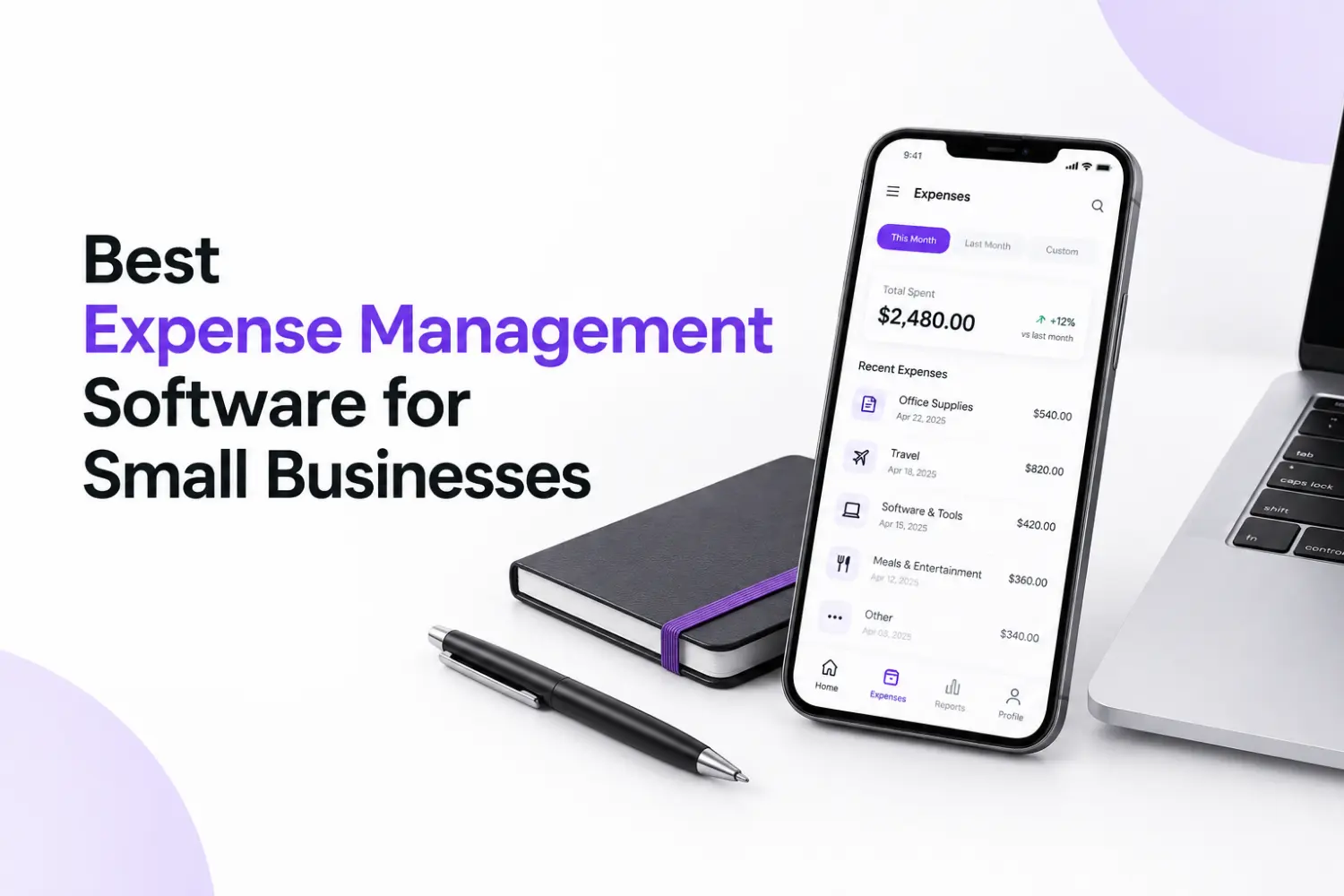
Table of contents
Find the best expense management software for small businesses. Learn key features, how to choose, and why a free receipt scanner app is the smart start.
Best Expense Management Software for Small Businesses
For most small businesses, the best expense management software is a receipt-first tool with a free plan, like Receni. It captures receipts for you, sorts spending into categories, and shows where your money goes, with no heavy setup.
Your size changes the answer. Freelancers and small teams need fast receipt capture and a low price. Growing companies with staff claims need approval steps and company card controls.
Below, you will see what these tools do, which features are worth having, and a short checklist to help you pick the right one.
What Is Business Expense Management?
Business expense management is how you record, sort, and review what your company spends. It covers receipts, invoices, card charges, travel costs, and staff refunds.
Business expense management solutions are tools that do this work for you. Instead of a spreadsheet and a box folder, you get one place to capture each cost and see where your money went.
Good tools do three jobs:
Capture: collect receipts and invoices fast.
Organize: sort spending by category, date, or project.
Report: show totals you can trust at tax time.
Why Small Businesses Need Expense Management Software
Small teams feel money mistakes more. One lost receipt or missed bill can hurt. Here is what goes wrong without a system:
Lost receipts mean lost deductions. You need records to back up what you claim. The IRS explains how long to keep them in its guide to keeping business records.
Late reports slow everyone down. Staff wait to be paid back, and you chase paperwork.
You can't see the full picture. Overspending hides until it is too late.
Tax time becomes a scramble. You spend days sorting what a tool could sort every day.
Business expense management software fixes this by making capture automatic. Good expense management software for business also gives you real numbers instead of guesses. You can spot a rising cost in week two, not month six.
Expense Management Solution That Fits Your Business
Not every tool does the same job. Business expense management solutions come in four main types:
Receipt scanning apps: best for owners, freelancers, and small teams that keep losing receipts. Look for email forwarding, auto-reading, and a free plan.
Expense reporting tools: best for teams that handle staff claims and reimbursements.
Spend management and corporate card platforms: best for growing companies that want to control spending before it happens, with card limits and approval steps.
All-in-one accounting suites: best if you want expenses, invoices, and books in one place. They often cost more and take longer to learn.
Quick rule: start with a receipt-first tool. Add cards or accounting as you grow.
Key Features to Look for in Expense Management Software for Business
Features sound great on a pricing page. These are the ones that save you real time:
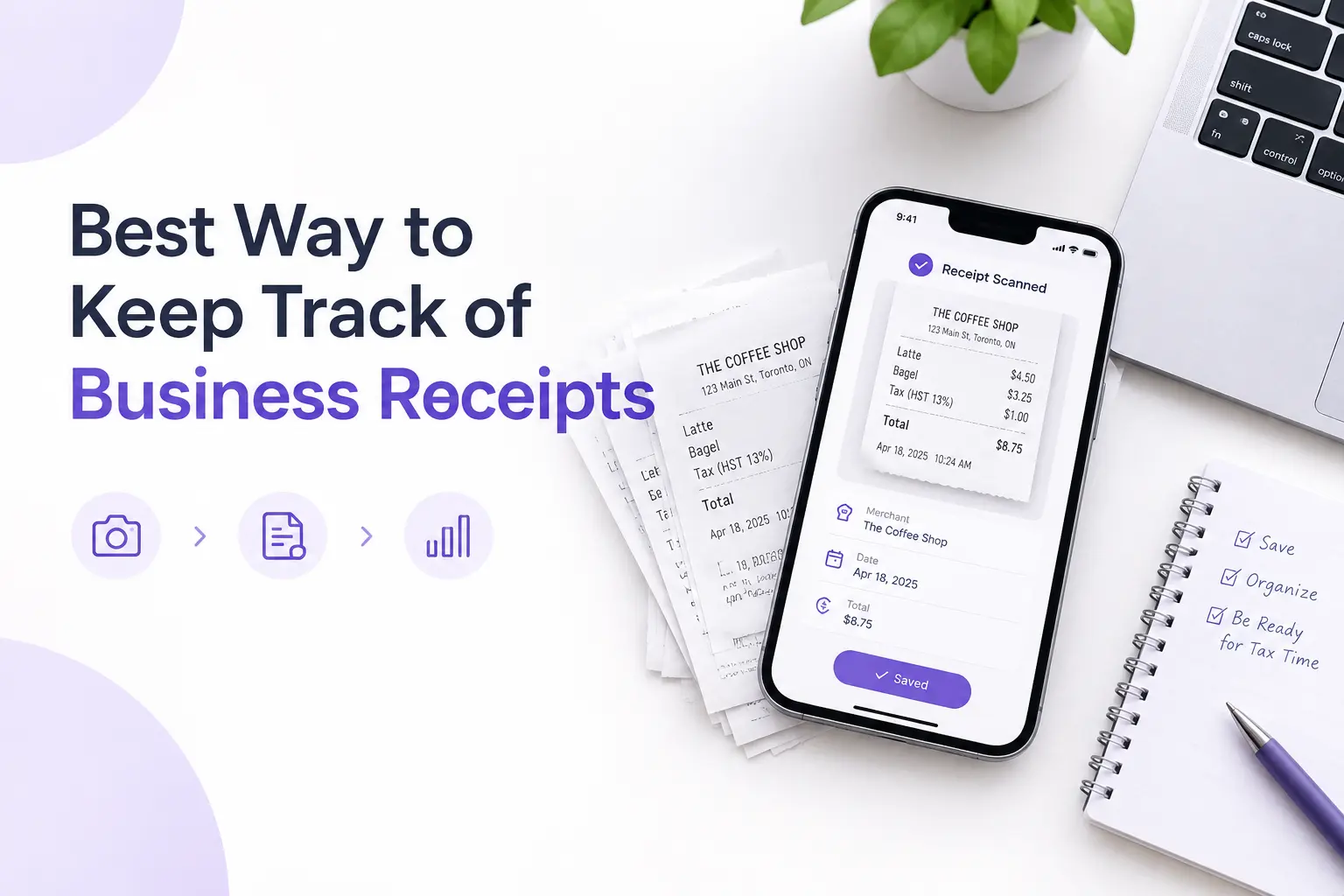
Automatic receipt capture. You snap, upload, or forward a receipt. The tool reads the date, store, and amount.
Smart categories. Costs land in the right bucket, such as travel, software, or meals.
Budgets and alerts. You get a warning before you overspend, not after.
Easy exports. A CSV file lets your accountant work without retyping.
Workspaces. Keep personal, business, and client spending apart.
Clear pricing. Check the free plan limits and any per-user fees.
Simple design. If your team won't use it, it won't work.
Best Expense Management Tools for Small Businesses
Plenty of tools compete for your attention. Expensify, QuickBooks, and Ramp are well-known names, and each fits certain teams. But for most small businesses, Receni is the best place to start.
Here is why:
You can start free. The free plan covers the basics, so you can test it with real receipts.
Receipts handle themselves. Forward an email or scan a receipt or upload a file, Receni reads it for you.
It answers your questions. Ask the AI chat where your money went.
It is made for teams. Freelancers, contractors, and small businesses get ready-made templates, so setup is quick.
Want a closer look? Read our Receni vs Expensify comparison.
Why a Free Receipt Scanner App Is the Best Place to Start
Of all expense management tools, a free receipt scanner app is the lowest-risk first step. It costs nothing, and it fixes the messiest job first: lost and unreadable receipts.
Here is why it works:
No cost to test. You can try it with real receipts this week.
Fast setup. Most people are running in a day.
Less typing. The app reads the receipt so you don't have to.
Room to grow. You can export your data later if you move to a bigger tool.
Take a freelance designer. She pays for software, a coworking desk, and a few client lunches. She forwards the emails and snaps the lunch receipts. At month end, she opens one view and sees every cost by category. It takes minutes, not hours.
How Receni Simplifies Business Expense Management
Receni is an expense management tool built for this first step. Its free plan gives you:
Email forwarding. Send receipts and invoices to receni email and they are processed for you.
Receipt scanning. Scan a receipt or upload PDFs and images, and Receni reads the details for you. You can also type one in by hand.
Custom workspaces. Keep personal, freelance, business, and contractor spending apart, starting from a ready-made template or your own setup.
Custom categories. Start from a category template or add your own, so every cost lands where you want it.
AI chat. Ask how much you spent and where, and get clear insights.
Budgets with alerts. Get a nudge at 50% and 80% of your budget.
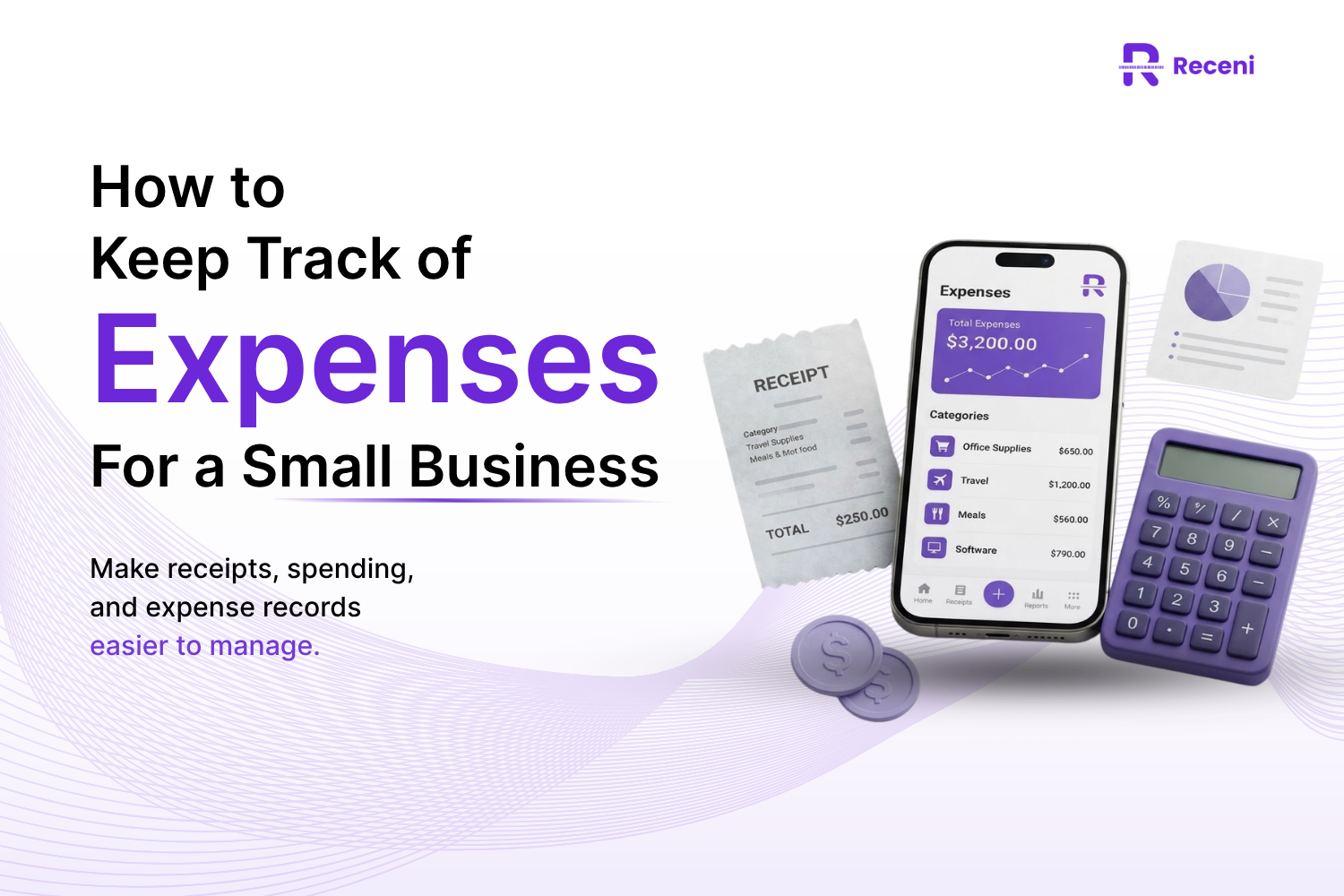
Clear views. See spending by category, week, or month, plus an analytics dashboard.
Data control. Export CSV files by date range, import CSV files, and move data between workspaces.
Reminders and notes. Keep small tasks next to the receipts they belong to.
Want to see it work? Try Receni free and forward your first receipt today.
Small Business vs. Corporate Expense Management Software: Which Do You Need?
Corporate expense management software is built for big teams. It handles many approvers, several departments, company card programs, and strict spending rules. Most small businesses don't need that on day one.
A small team needs speed, low cost, and an easy setup. A larger company needs approval chains, policy controls, and deep links to other systems.
You may be ready to upgrade when:
Many people submit claims each month.
You need approval before money is spent.
You manage more than one company or entity.
Until then, simple is better.
How to Choose the Right Solution (Quick Checklist)
Use these questions to compare business expense management solutions:
Does it capture receipts without typing?
Can I try it free?
Will my team really use it?
Can I export data for my accountant?
Does it have budgets and alerts?
Can it grow with me?
Conclusion
The best business expense management solutions do three things well: they capture receipts without typing, show where your money goes, and fit your budget. Most small businesses don't need a big platform on day one. Start with a simple tool, test it with a week of real receipts, and add card or accounting features only when your team needs them.
Ready to try it? Start with Receni's free plan, and see your spending by category in minutes.