
You preach clean records.Practice them
Tax software renewals, CPE courses, client lunches, the office printer that died in March — your own practice generates receipts too. Scan each one and your books get the rigor you bill for.

Sound familiar?
The cobbler's children have no shoes
Your books come last
Every client's records get your full attention; your own practice's receipts wait in an envelope marked 'later'. During busy season, later means never.
Subscriptions stack silently
Tax software, research tools, e-signature, portals, backups — a modern practice runs on renewals. Unwatched, the software line grows a little every year and nobody asks why.
Clients hand you shoeboxes
You spend billable hours deciphering clients' faded receipts and guessing at categories. The bottleneck in your workflow is their capture habits, not your skills.
The shoebox client isn't a lost cause — they're under-tooled
Every practice has them: capable business owners who arrive each February with a carrier bag of faded thermal paper and an apology. Prescribing them full accounting software rarely sticks — it's built for people who like bookkeeping, and they've told you clearly they don't.
What sticks is a habit smaller than the problem: scan the receipt when it's in your hand. That's the entire ask. They do that all year, and you receive a categorized, dated CSV instead of the bag — no client portal to manage, no software seat on your bill, no new system for the firm. You keep your stack; they finally have capture.
How it works
From pocketful of paper to organized records
The client scans as they spend
Supply runs, subscriptions, fuel — the AI reads merchant, date, total, and category on the spot, and they confirm before saving. Ten seconds, no bookkeeping knowledge required.
Workspaces keep it clean
Business apart from personal, or one workspace per entity — the separation you'd have prescribed anyway, enforced at the moment of capture.
You get a CSV, not a shoebox
At year-end (or any month-end), the client exports dated, categorized, itemized data that opens in Excel or imports into your software. Chart-of-accounts mapping stays in your hands.
How Receni helps
Built-in answers for accountants
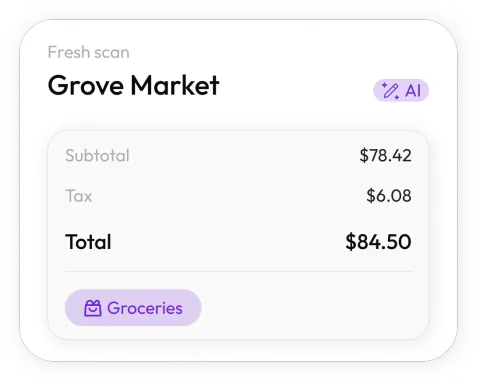
Scan it and move on
Snap the receipt between client calls. Receni's AI reads merchant, date, total, and category in seconds — capture without ceremony.
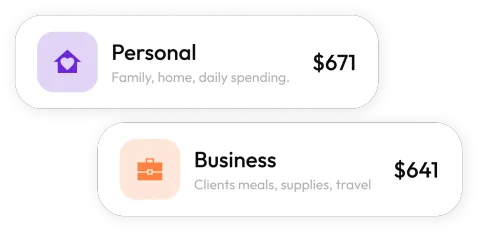
Practice and personal, separated
Keep the firm's spending in its own workspace, cleanly apart from personal — the separation you insist on for every client.
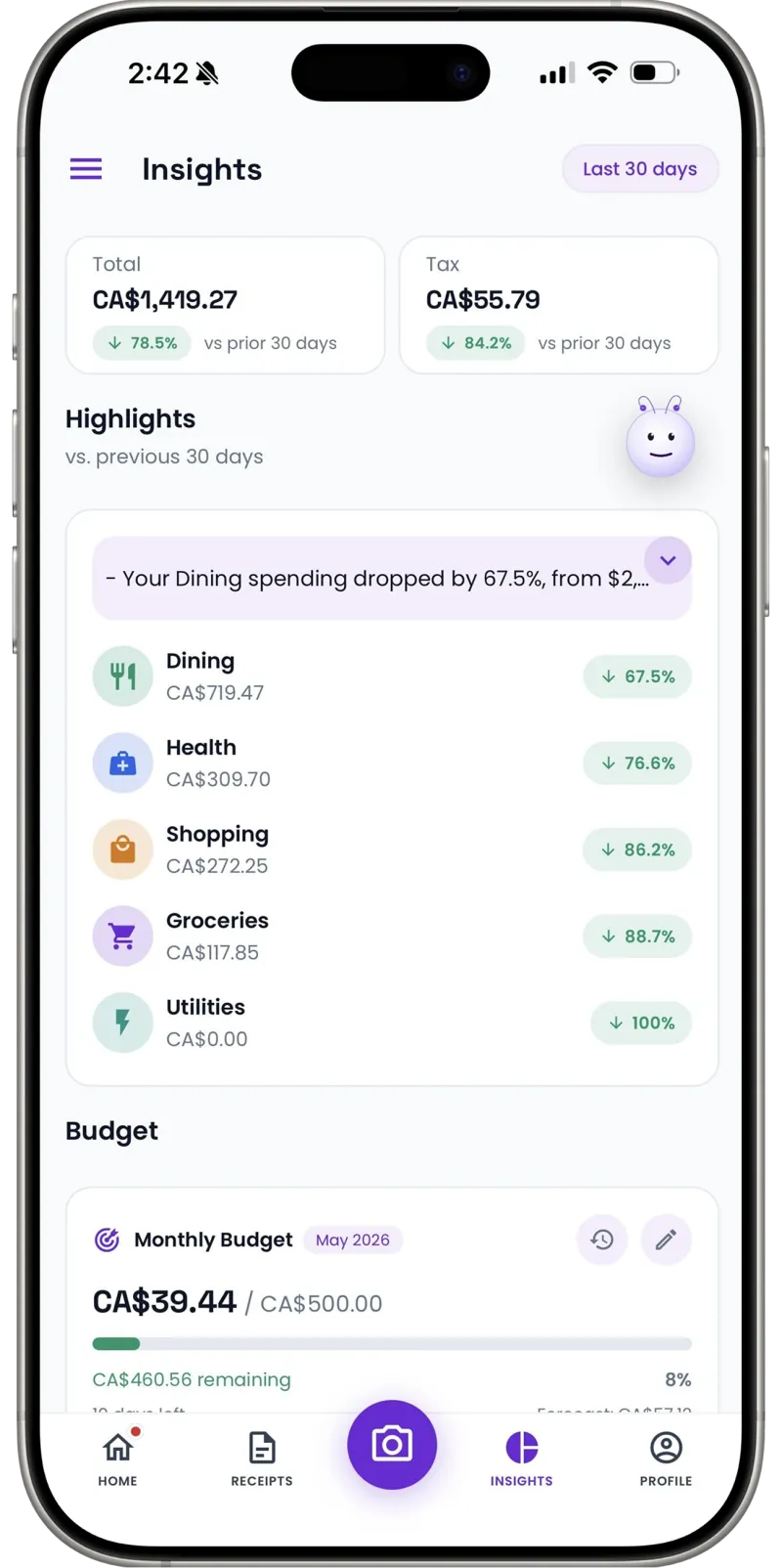
Watch your own overhead
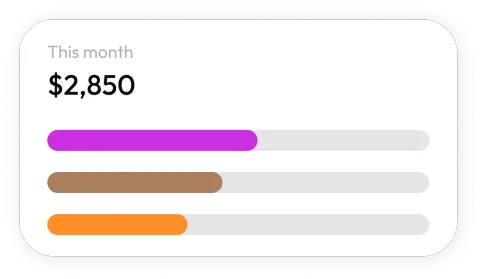
Dashboards break practice spending into software, CPE, and office costs by month. Renewal creep shows up as a trend line, not a surprise.
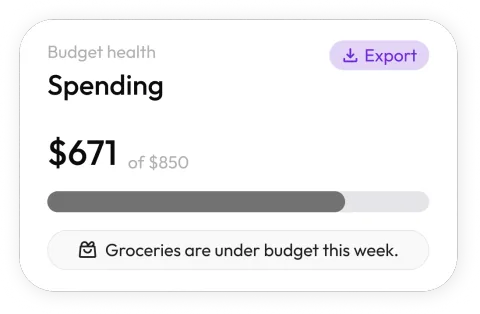
Budgets you'd recommend
Set monthly limits per category for the practice — the same discipline you prescribe, in a tool light enough to actually use.
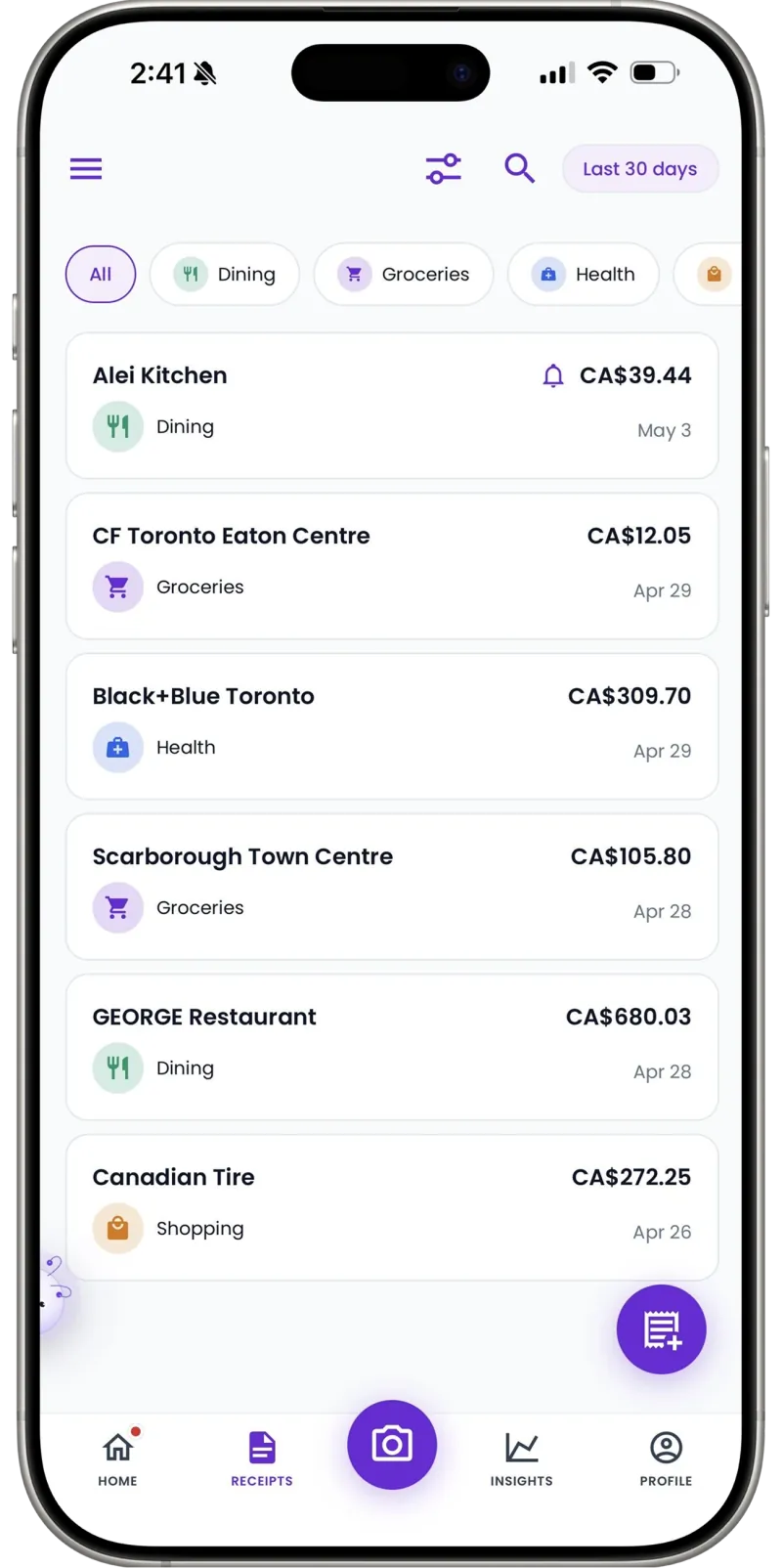
CSVs that fit your workflow
Export categorized, dated expense data as clean CSV files that open straight into Excel or import into your accounting software.
Complete records, always
Cash parking at a client's office, a conference tip — add manual entries in seconds so the practice's books close clean.
30
Free AI scans a month — a real trial through a busy-season week
Unlimited
Manual entries on every plan
1 tap
CSV export into your own workflow
My clients' books were immaculate and mine were an envelope in a drawer. Now the firm's receipts scan as they happen — and I've started pointing shoebox clients at the same app, because their exports land in my workflow as clean CSVs.
FAQ
Accountants questions, answered
No — it's the capture layer in front of it. Receni turns paper and email receipts into categorized, exportable records; your general ledger, tax prep, and workpapers stay in your professional stack.
More industries
Receni works your way, whatever the work
Ready when you are
Books as clean as the ones you bill for.
Download Receni free and give your own practice the treatment.