How to Digitize Receipts in Under 5 Minutes
CanDev Team
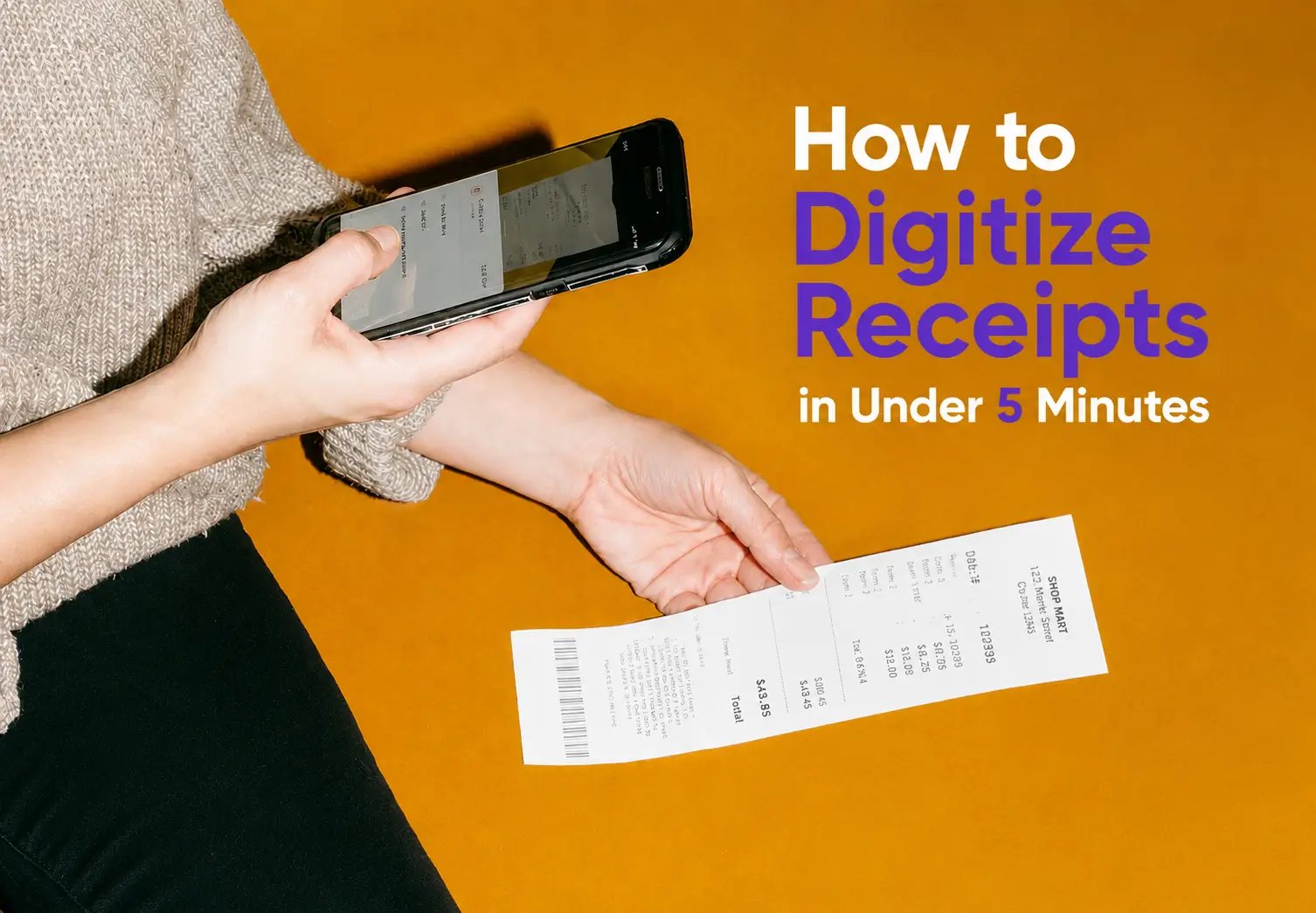
Table of contents
If you're reading this, y ou probably already have a drawer, a shoebox, or a glove compartment full of crumpled paper receipts you've been meaning to deal with. Good news:...
If you're reading this, you probably already have a drawer, a shoebox, or a glove compartment full of crumpled paper receipts you've been meaning to deal with. Good news: digitizing receipts isn't complicated, and once you set up the right system, you'll never touch a paper receipt again.
Here's the short answer. The best way to digitize receipts is to scan them the moment you get them, using either your phone's camera with an OCR (text recognition) app or a dedicated receipt scanning app that automatically pulls out the date, amount, and vendor for you. Do that consistently, and the whole "lost receipt" problem just disappears.
Let's go through it properly.
Why paper receipts are a losing game
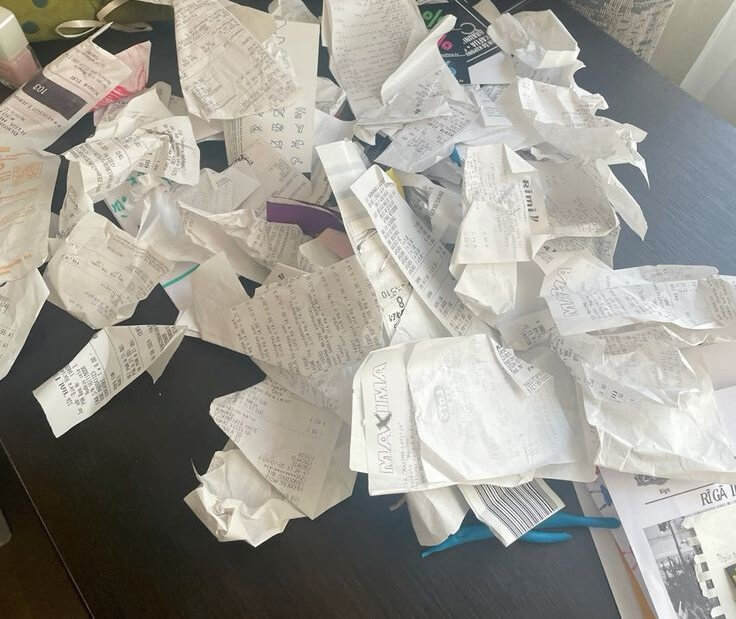
Paper fades. Thermal receipt paper (the shiny kind from grocery stores and gas stations) is the worst offender. It's coated with a chemical that reacts to heat and light, which means a receipt sitting in your wallet for two months might be completely blank by the time you need it. I've had this happen with a receipt for a laptop repair I needed for a warranty claim. Six weeks later, it was just a faded gray rectangle.
And that's before you factor in the actual problem of finding the thing. If you've ever spent twenty minutes digging through a bag for one specific receipt from three weeks ago, you already know why "just keep the paper" doesn't work as a system. It works until it doesn't, and it usually fails right when you need it most, like during tax season or an audit.
What does it actually mean to digitize a receipt?
Receipt digitization is the process of converting a physical, paper receipt into a digital file, usually an image or PDF, that's searchable, tagged with details like amount and date, and stored somewhere you can actually find it again. It's not just taking a photo. A true digital receipt should have:
A clear, readable image or PDF of the original
Extracted data (vendor, amount, date, category) that's searchable
A backup location that isn't just your phone's camera roll
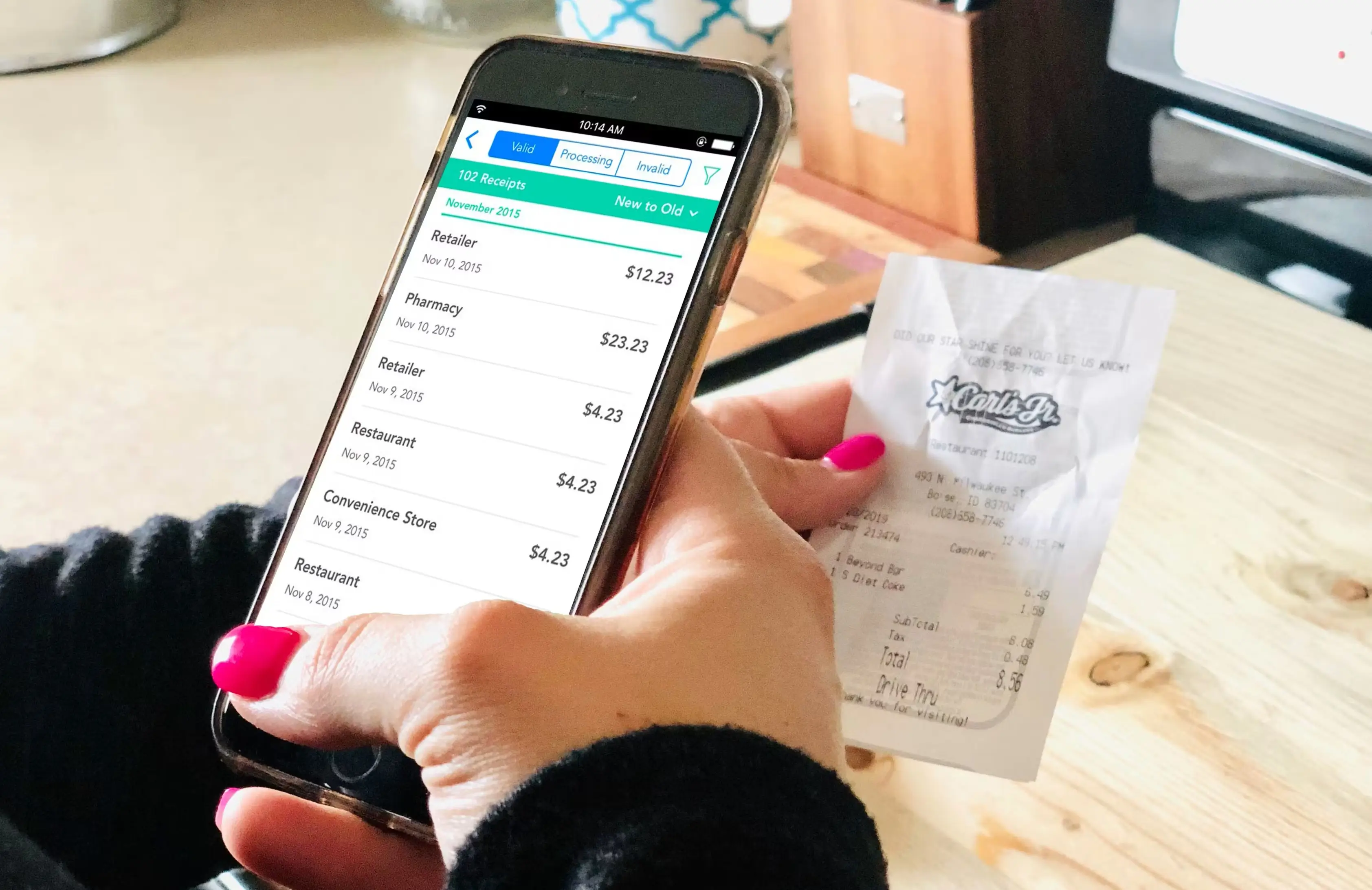
That last point matters more than people realize. A photo buried in 4,000 other camera roll photos isn't really "digitized." It's just delayed clutter.
3 Best ways to digitize receipts
Method 1: Phone camera plus a note-taking app
This is the bare minimum version. You take a photo, maybe rename the file, and drop it in a folder. It's better than nothing, but it's manual, slow, and you still have to type in the amount and category yourself if you want the data usable later. Fine for the occasional receipt. Not sustainable if you're running a business or trying to build a real expense record.
Method 2: Dedicated online receipt scanner apps
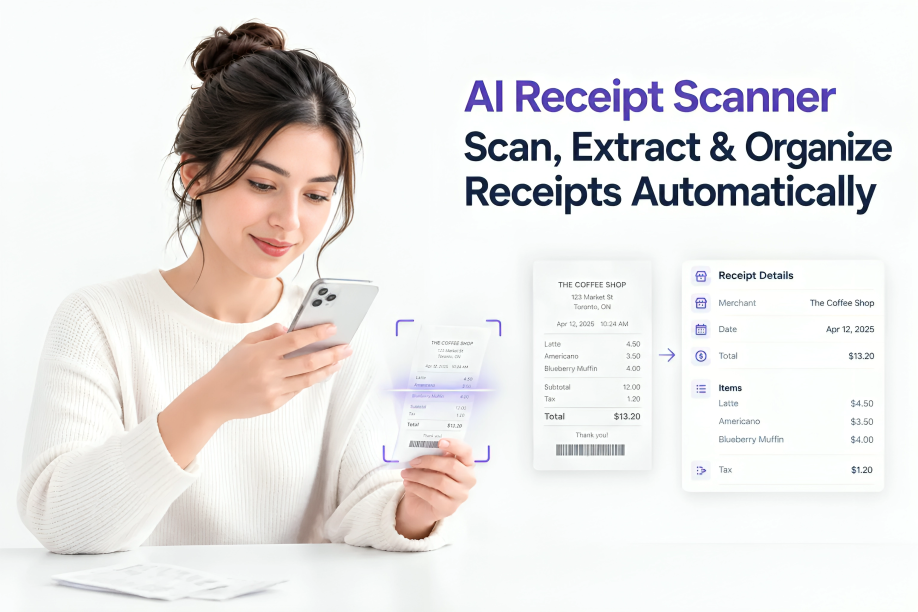
This is where most people should actually land. A good digital receipt app uses OCR to read the receipt automatically, pulls out the merchant name, date, total, and often even the tax amount, and files it under a category without you typing anything. Some of these tools sync directly with accounting software, which saves a huge amount of time at tax season.
This is the approach I'd recommend for anyone who deals with more than a handful of receipts a month, whether that's a small business owner, a freelancer, or just someone trying to keep a household budget honest.
Method 3: Automatic expense tracker apps
The third option, and the one that actually solves the problem long-term, is using an expense tracker app that scans receipts automatically as part of a bigger system. Instead of digitizing receipts as a separate task you have to remember to do, it becomes part of how you already track spending.
This is what Receni does. You snap a photo the moment you get the receipt, and it's scanned, categorized, and stored automatically, no manual data entry, no folder full of unsorted images. It turns "I need to digitize my receipts" into something that just happens in the background while you go about your day.
How to organize & store receipts digitally so you can actually find them later
Scanning is only half the job. Storage and organization is what makes the difference between a useful system and digital clutter that's just as bad as the physical kind.
A few things that genuinely help:
Use consistent categories. Whether it's "groceries," "office supplies," "travel," or whatever fits your life, pick categories once and stick to them. Random naming is the fastest way to make search useless.
Store receipts in the cloud, not just on your phone. Phones get lost, dropped, and replaced. If your only copy of a receipt is on a device, you don't actually have a backup.
Back up monthly, at minimum. Set a reminder if you have to. A quarterly export of your digital receipts to a separate drive or account protects you if any single app or service has an issue.
Keep the original file format, not just a compressed thumbnail. Some apps compress images so much that totals become unreadable when zoomed in. If a tool doesn't let you view a full-resolution copy, that's a problem.
How long should you keep digital receipts?
This depends on what the receipt is for and where you live, so I want to be upfront that this isn't tax advice, just general guidance you should confirm with your local tax authority or an accountant.
That said, a common rule of thumb in a lot of places is to keep expense-related receipts for at least 3 to 7 years, since that's roughly the window many tax authorities can go back for an audit. For big purchases tied to warranties, like electronics or appliances, keep the receipt for as long as the warranty period plus a bit extra. For everyday personal purchases with no tax or warranty relevance, a year is usually plenty.
Common mistakes people make when digitizing receipts
Waiting too long to scan. The whole point of digitizing is to beat the fading and the losing. If a receipt sits in your bag for two weeks before you scan it, you've already lost some of the benefit, and thermal paper might already be fading.
Not verifying the OCR data. Automated scanning is good, but not perfect. Every so often, glance at the extracted amount and date to make sure the app read the receipt correctly, especially for larger purchases.
Relying on one single storage location with no backup. This is the digital version of keeping all your paper receipts in one drawer that could get flooded or lost. Redundancy matters.
Mixing personal and business receipts in the same untagged pile. If you ever need to separate the two for taxes, doing it after the fact is painful. Tag as you go.
Is a digitized receipt as valid as the paper original?
For most purposes, yes. Tax authorities in many countries, including the IRS in the US, accept clear digital copies of receipts as valid records, as long as the image is legible and unaltered. Retailers generally accept digital receipts for returns and warranty claims too, though policies vary by store, so it's worth checking with a specific retailer if you're relying on a digital copy for a big-ticket return.
The Conclusion
Digitizing receipts isn't really about the scanning itself, it's about building a habit that removes the chance of losing money, missing a tax deduction, or fumbling through a shoebox during an audit. The method that actually works long-term is the one that requires the least effort from you once it's set up.
That's the whole reason a tool like Receni exists. It handles the scanning, the categorizing, and the storage automatically, so digitizing receipts stops being a chore you have to remember and just becomes something that happens the moment you make a purchase.